
Connect two Apps
In this article, we will learn to create a process in which when the state of an app is updated it results in creation of a new app in Celoxis. To do this we will be using Zapier, if you are not familiar with Zapier then first read this article.
Create an Issue app when a Risk app is Mitigated in Celoxis
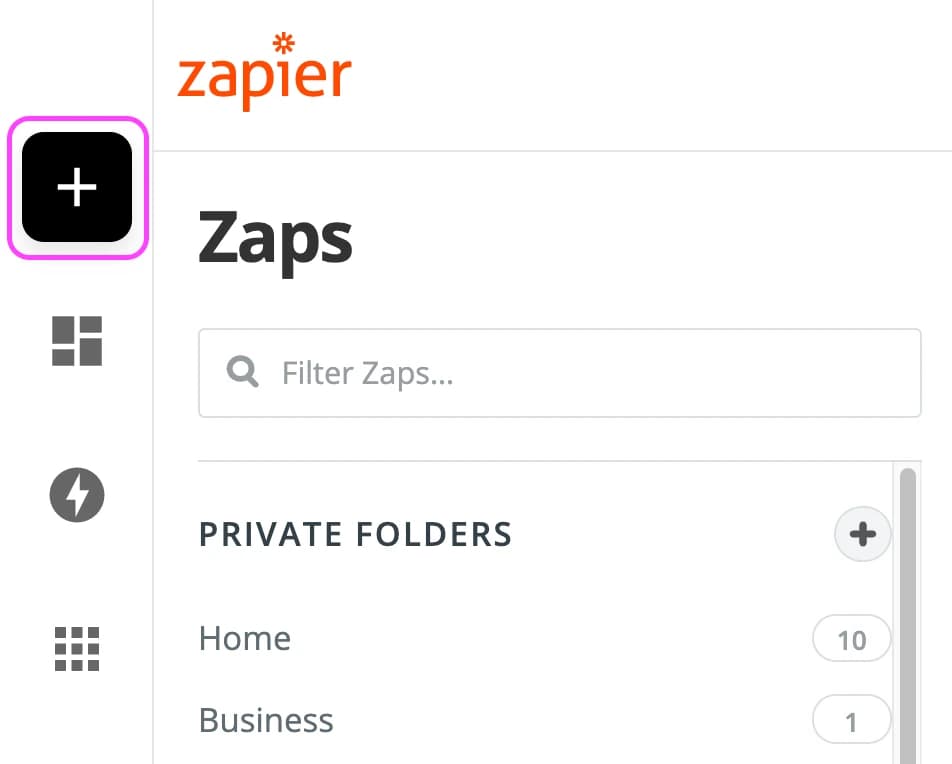
- Make a Zap
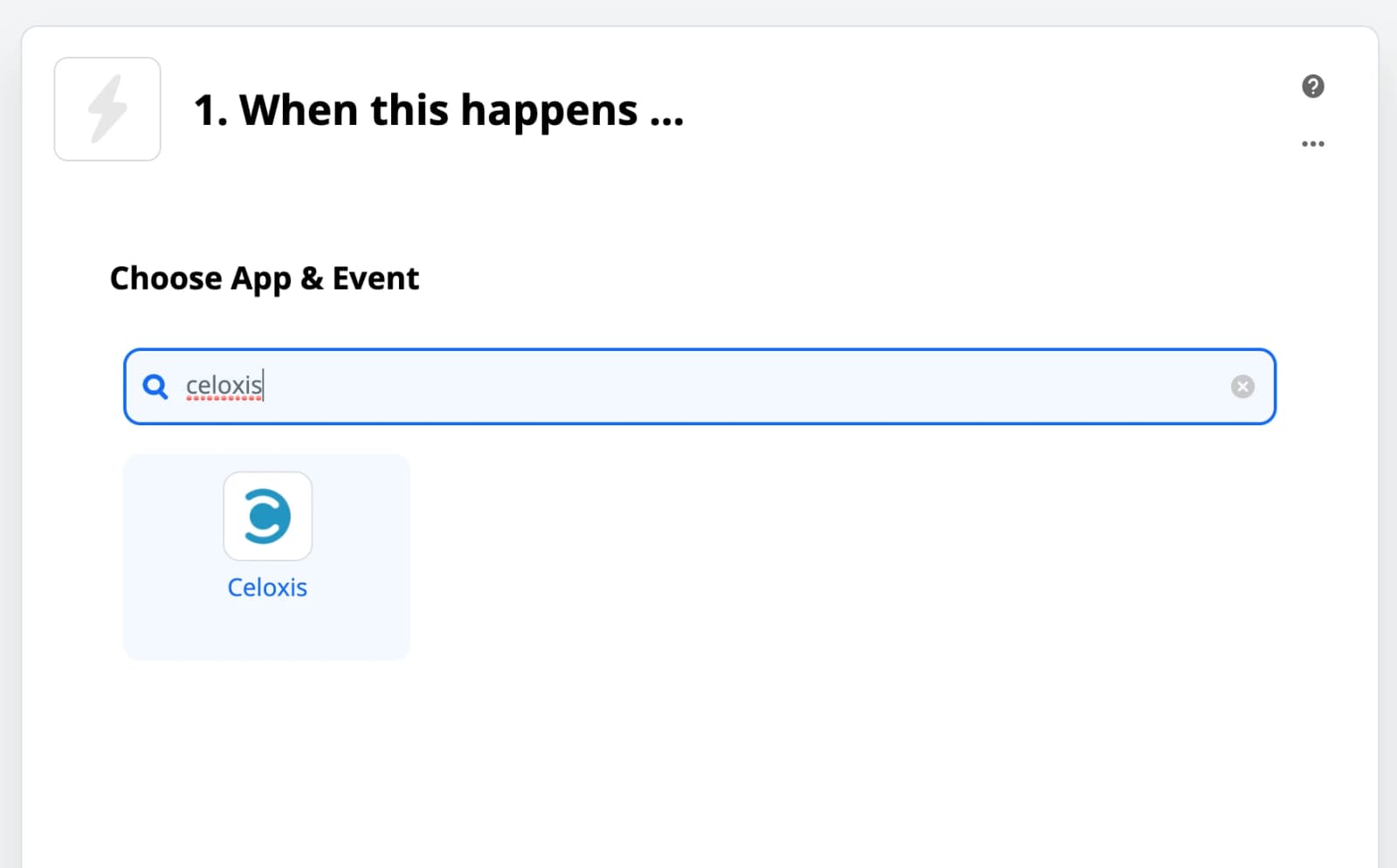
- Choose Celoxis as the Trigger app
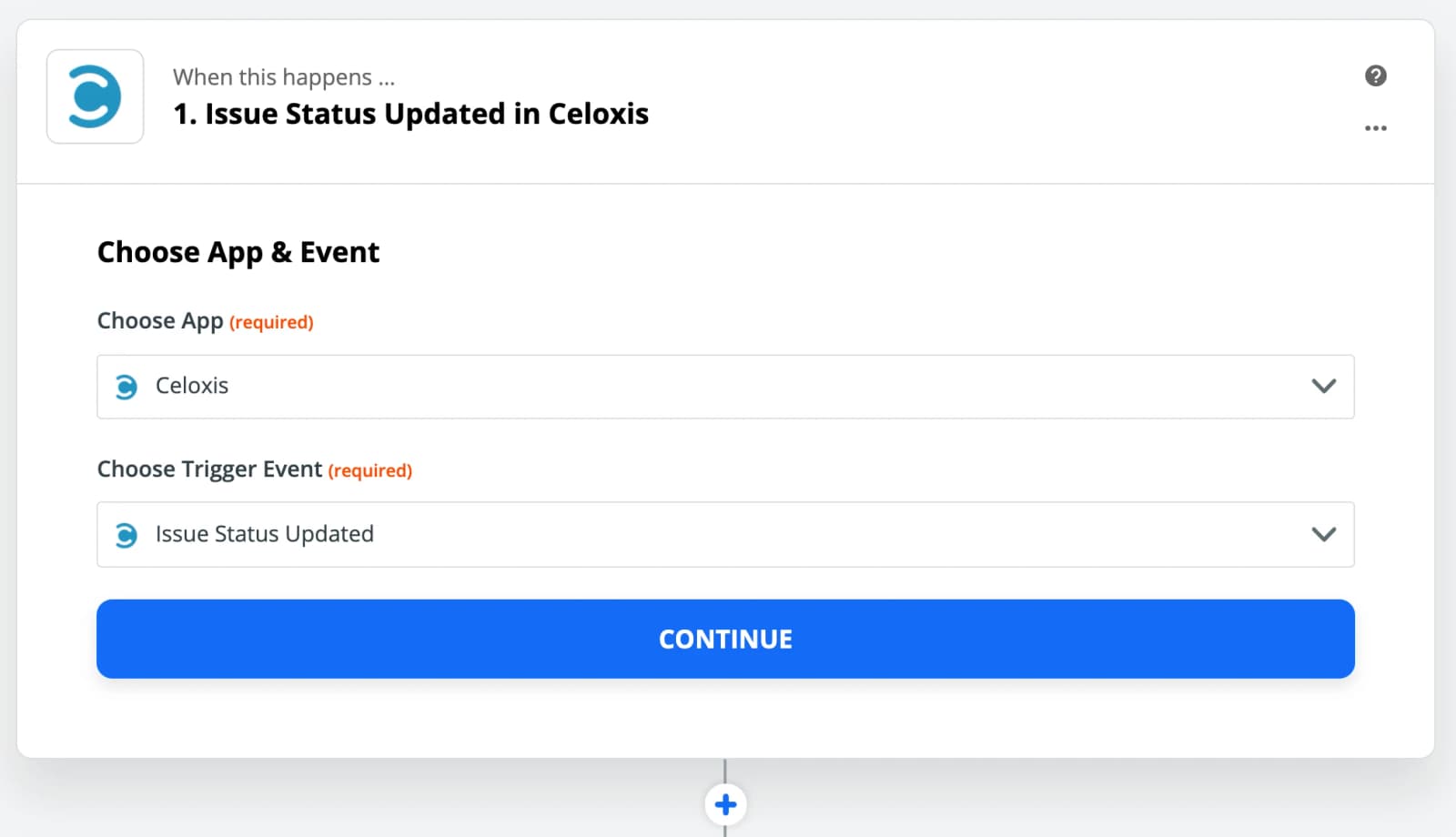
- Select the Issue Status Updated as the trigger
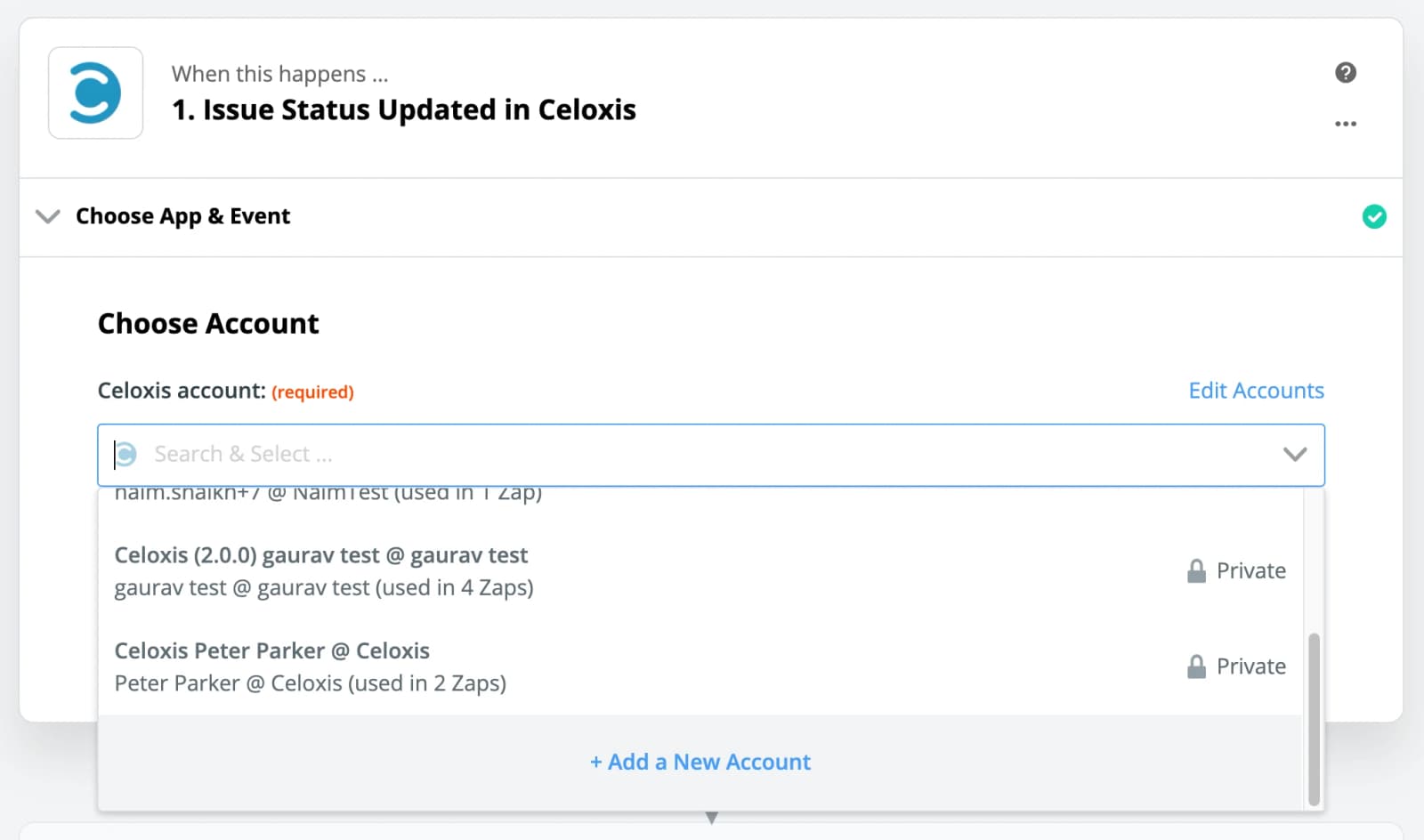
- Add your Celoxis account
If you have already added your Celoxis account then select it from the list of accounts.
- Test the Trigger
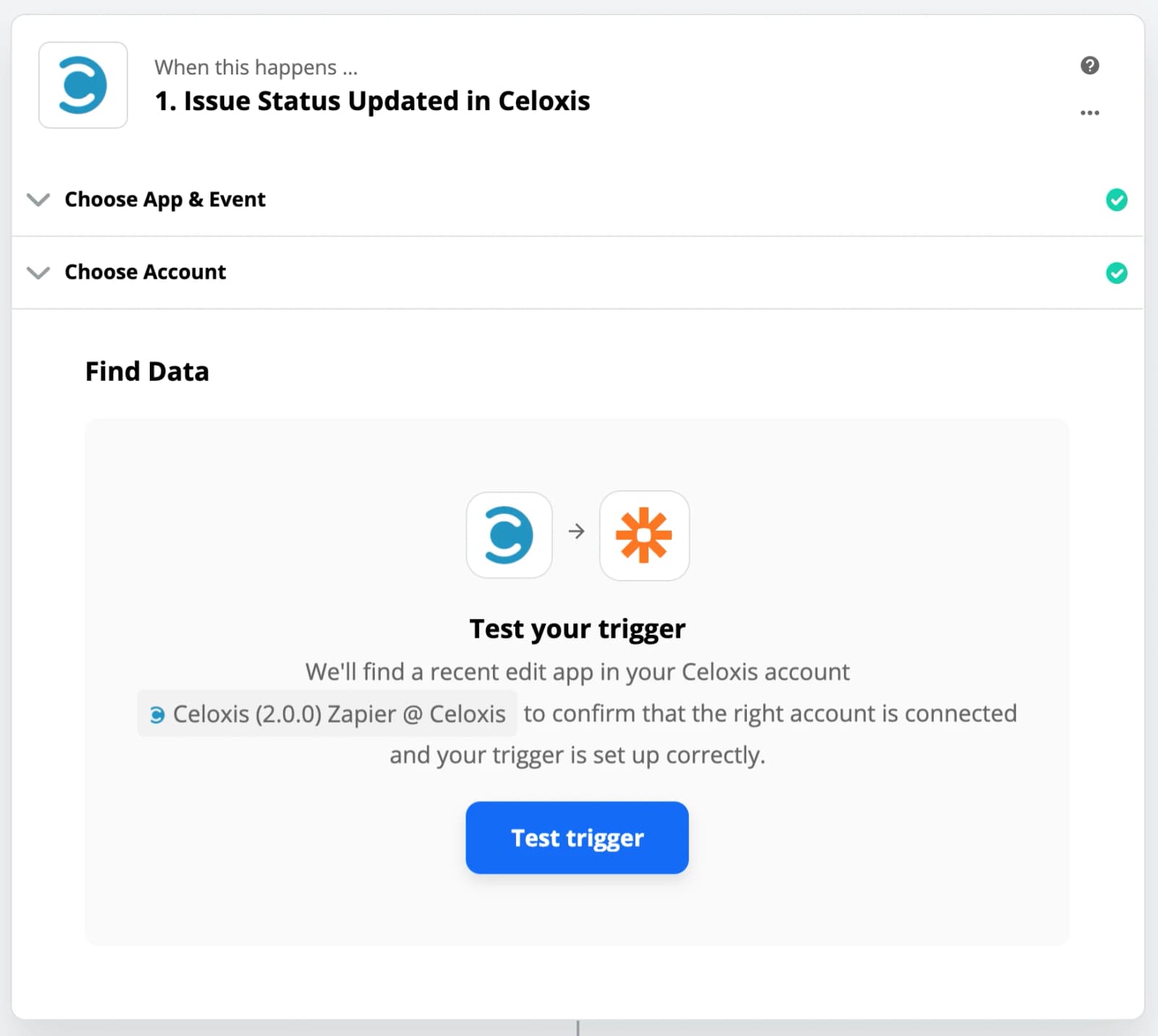
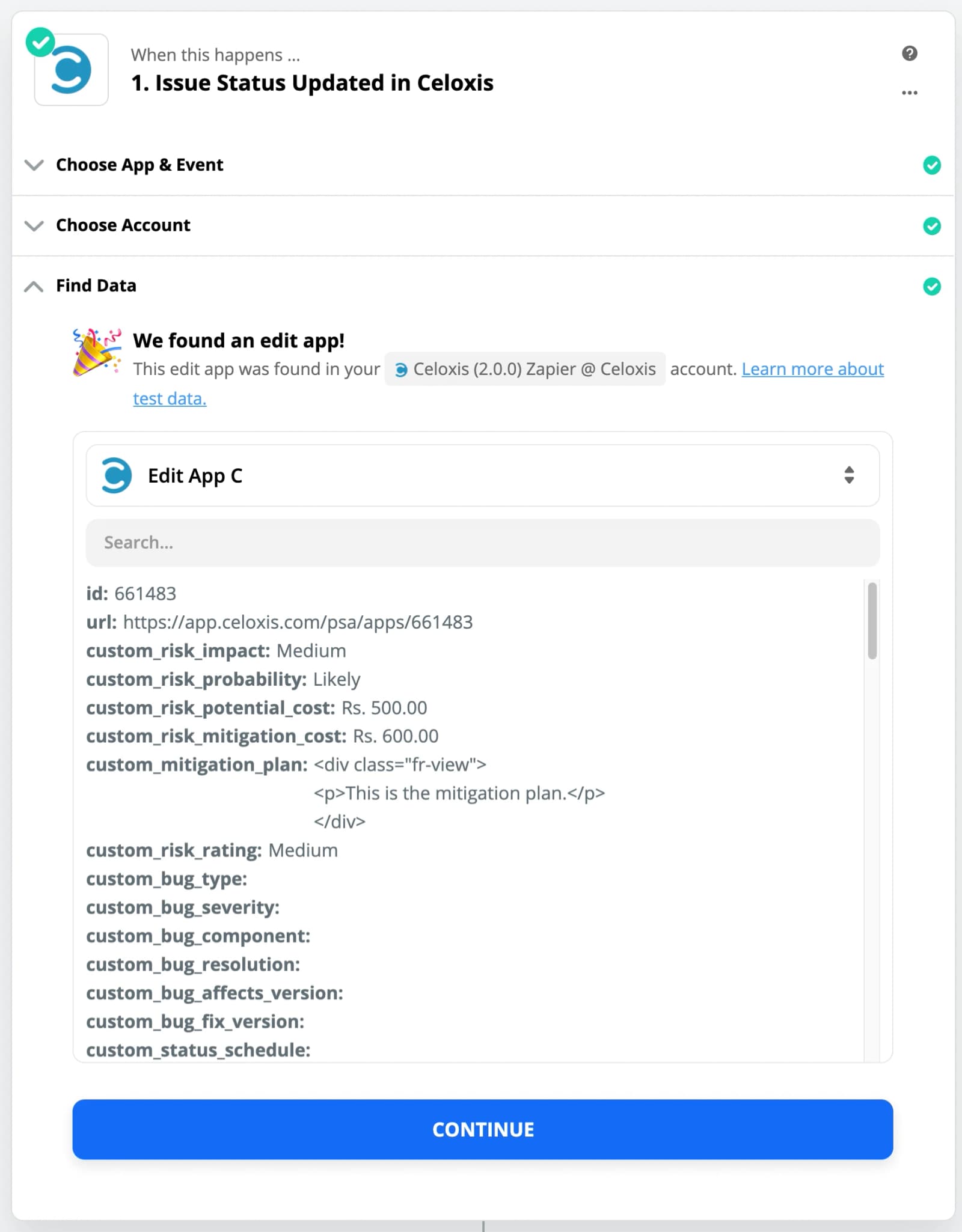
- Select a Sample
The data from sample will be used in other steps to set up the Zap.
- Choose Filter By Zapier app

- Apply the Filter condition
In our case, we are checking for the State of Risk app in Mitigated state.

- Test your Filter

- Choose Celoxis as the Action app
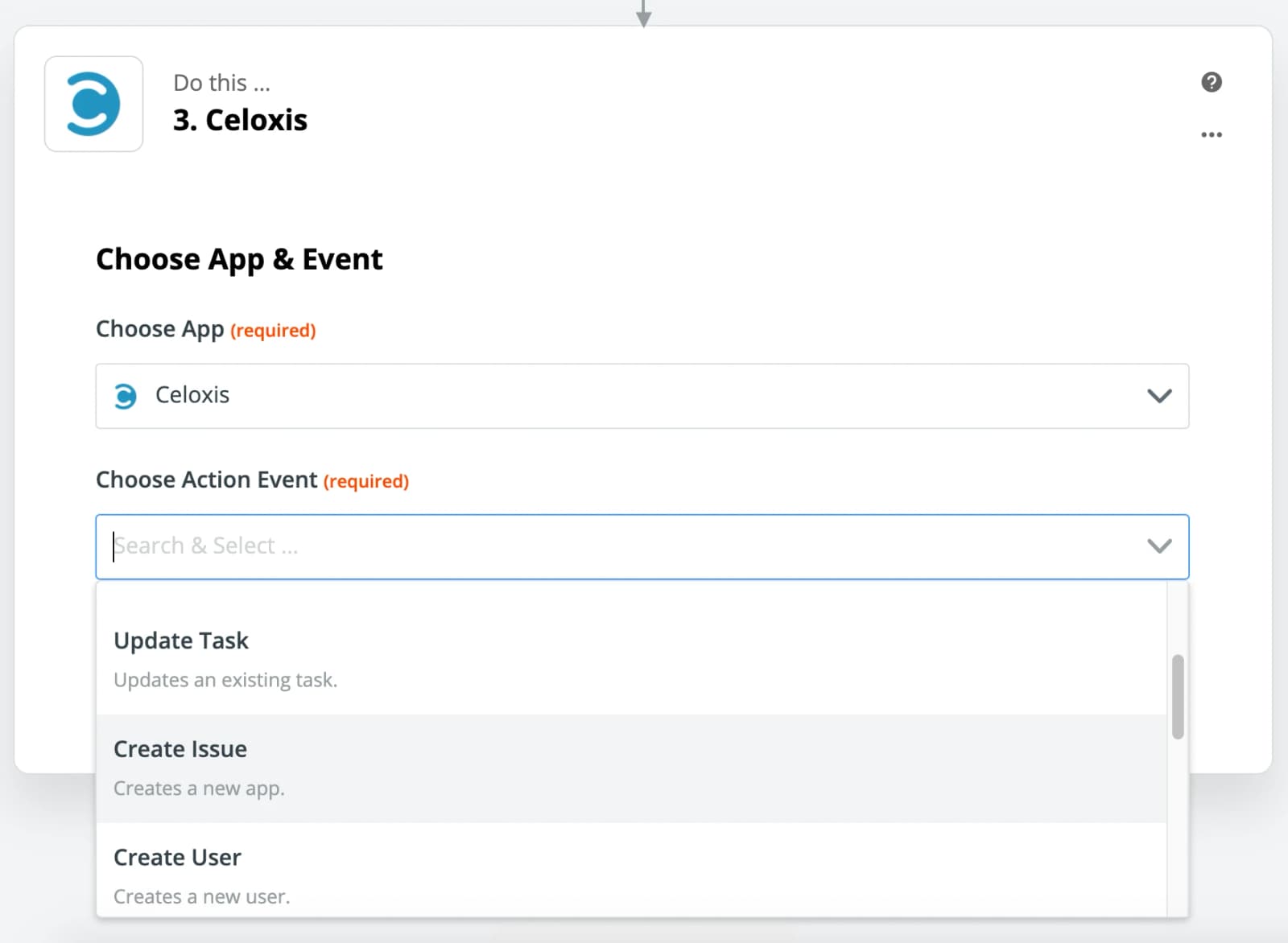
- Select the Create Issue as the action
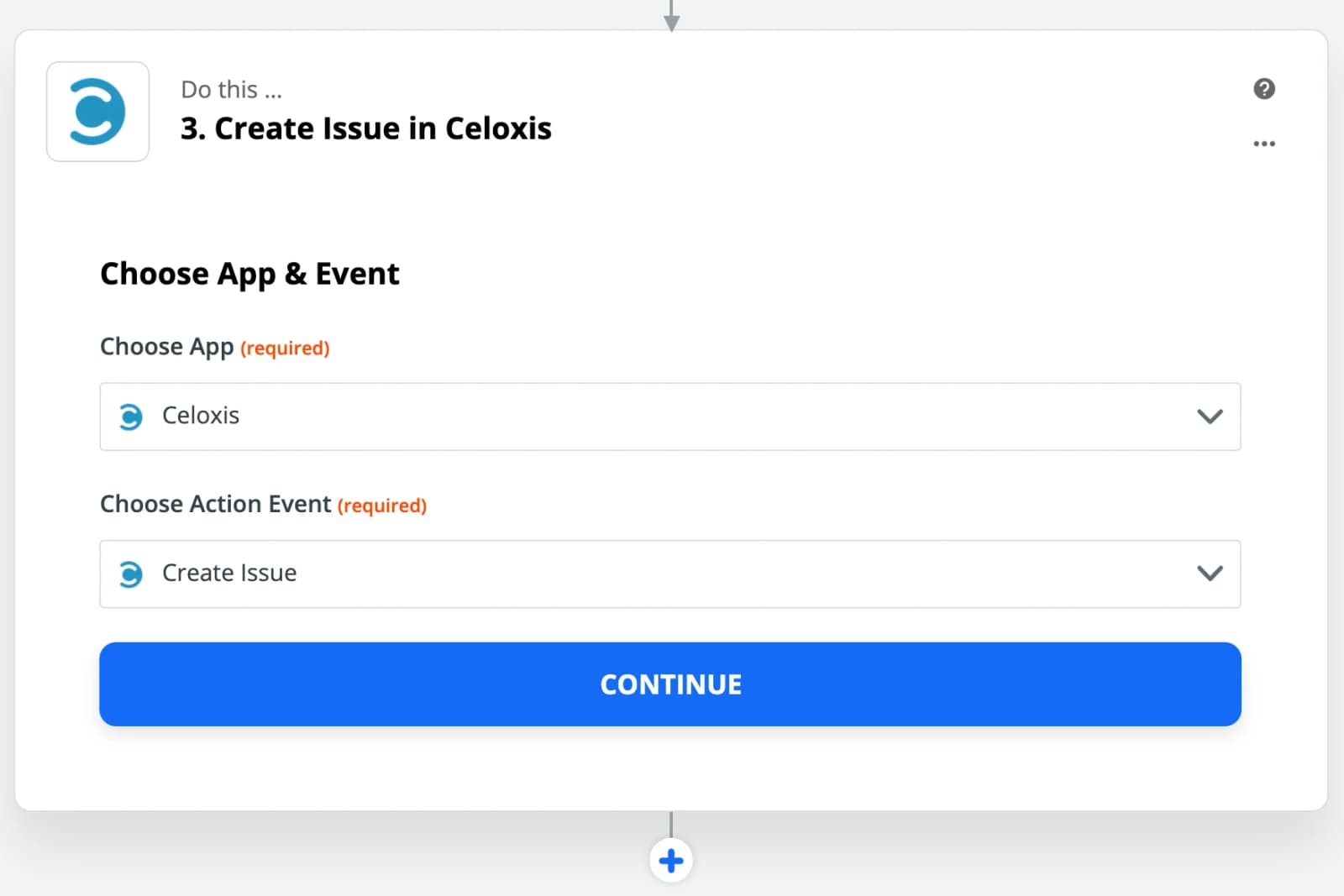
- Select your Celoxis account
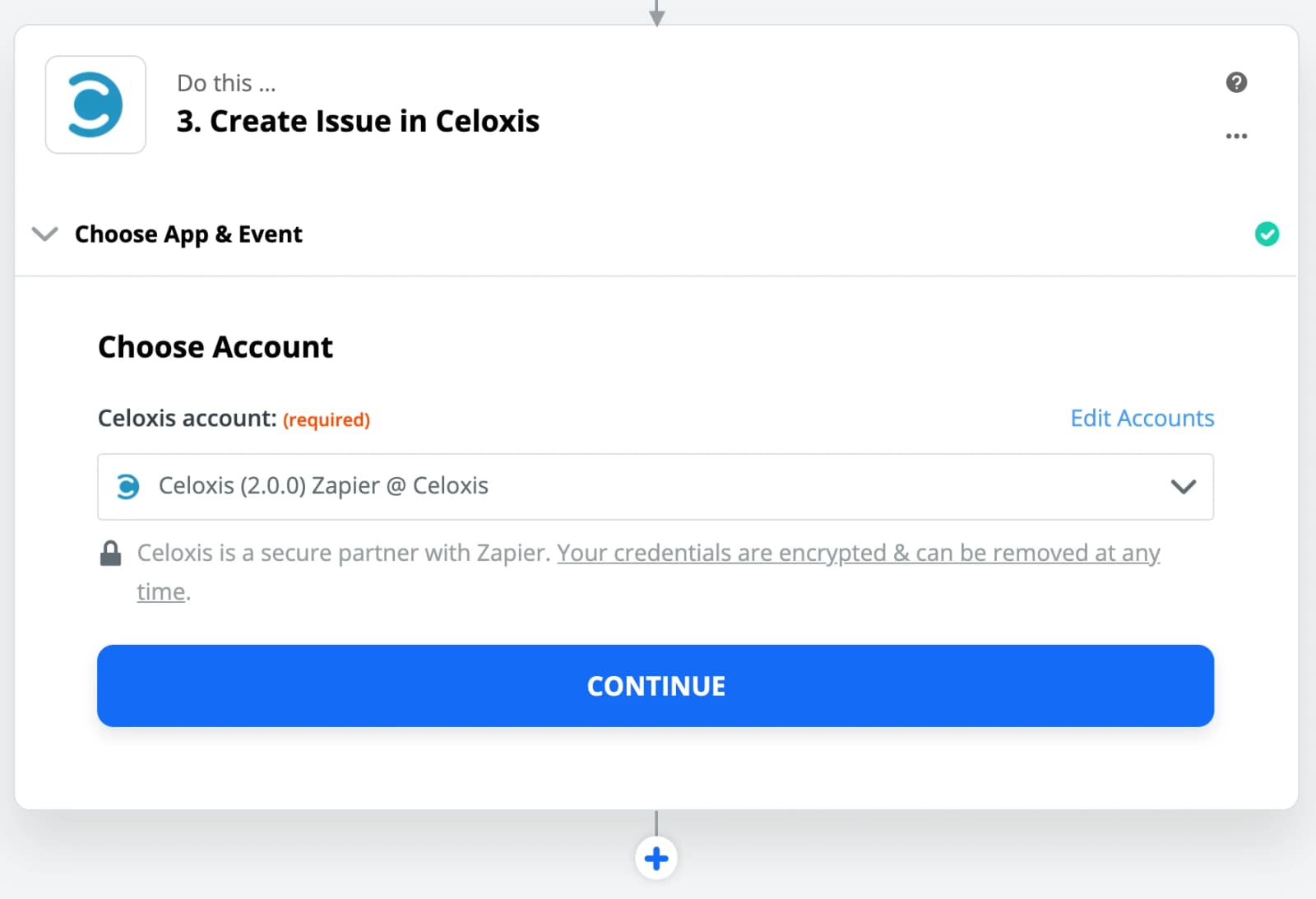
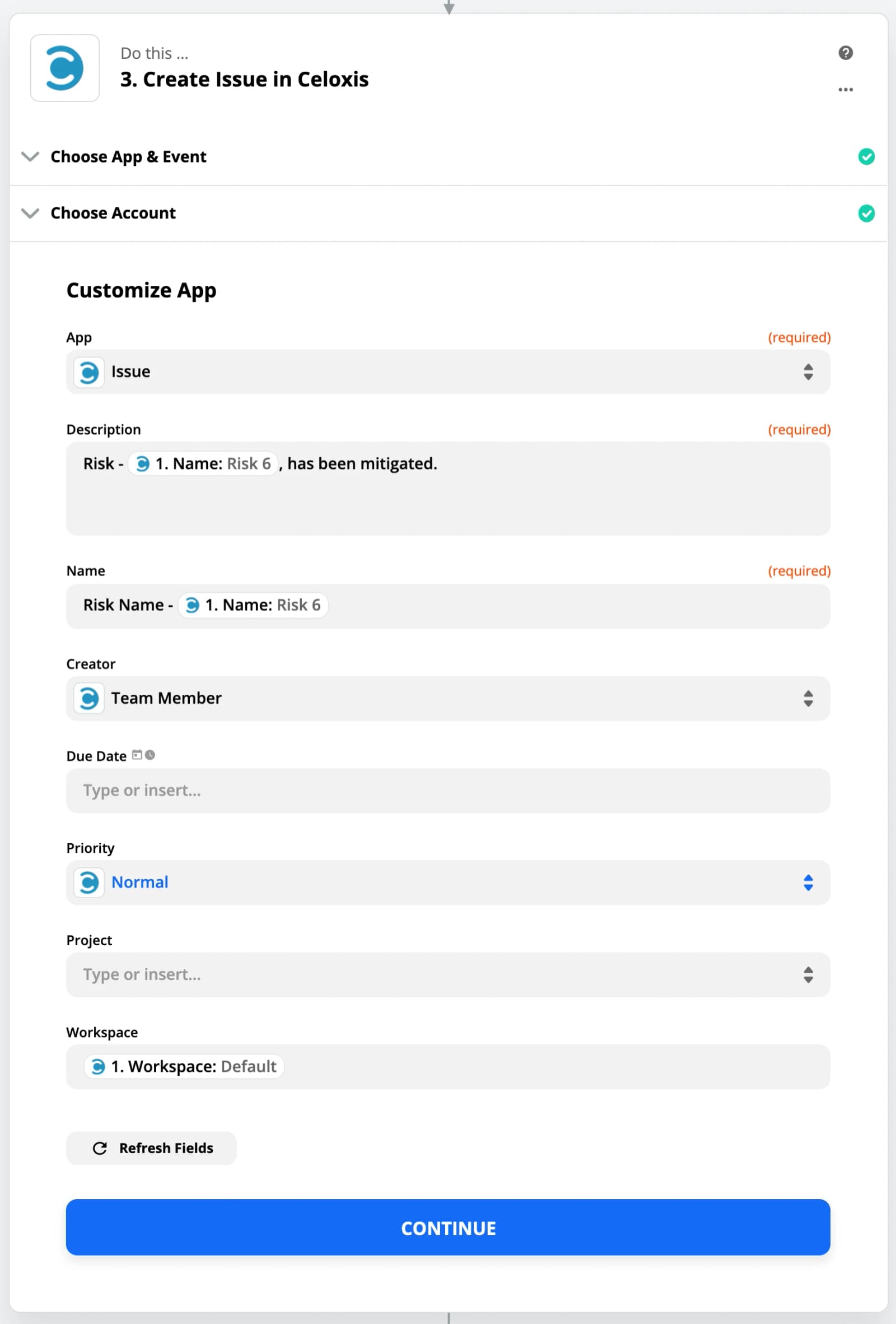
- Customize the App
Fill the data in the fields. You can also use the sample data from the trigger step.
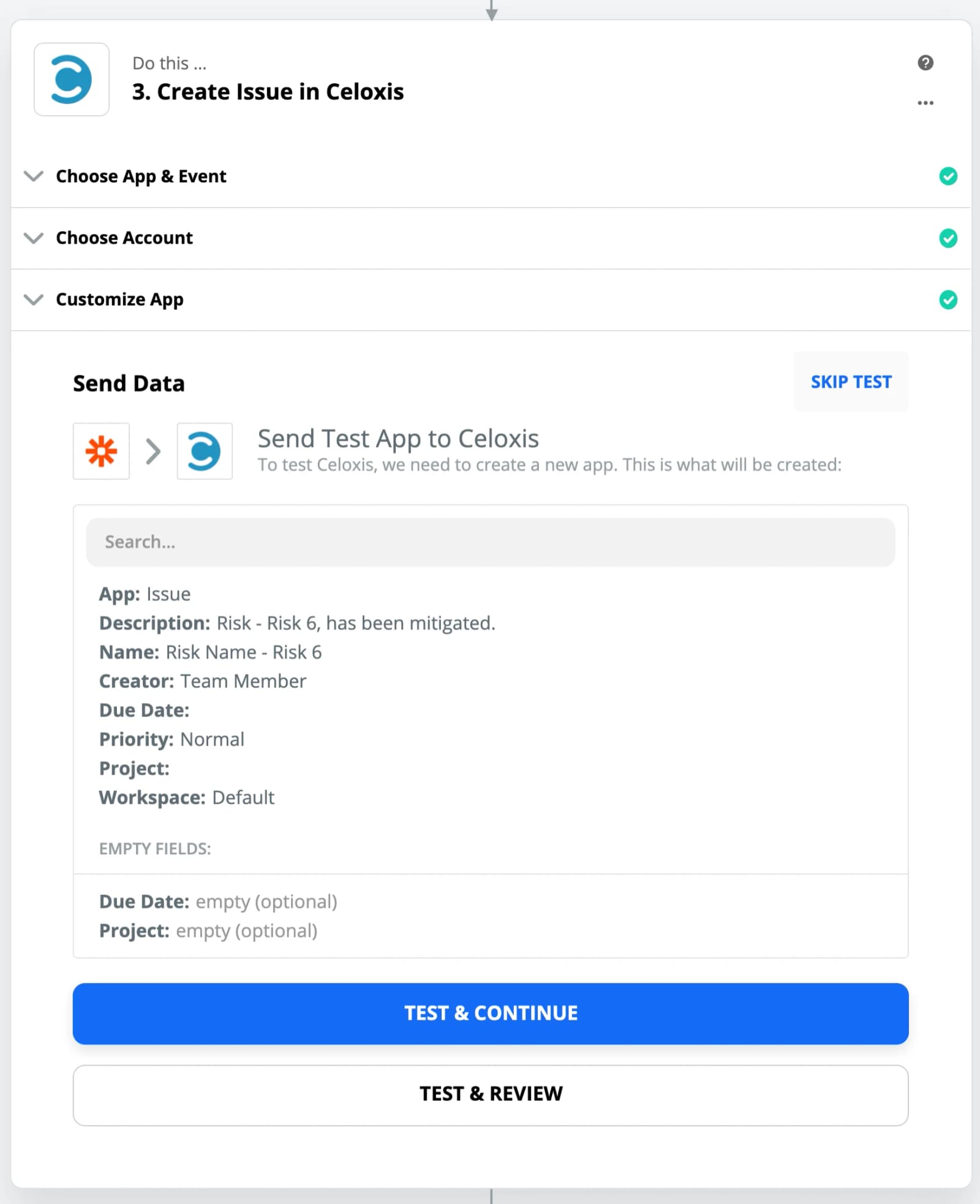
- Test the Action
- Turn ON the Zap
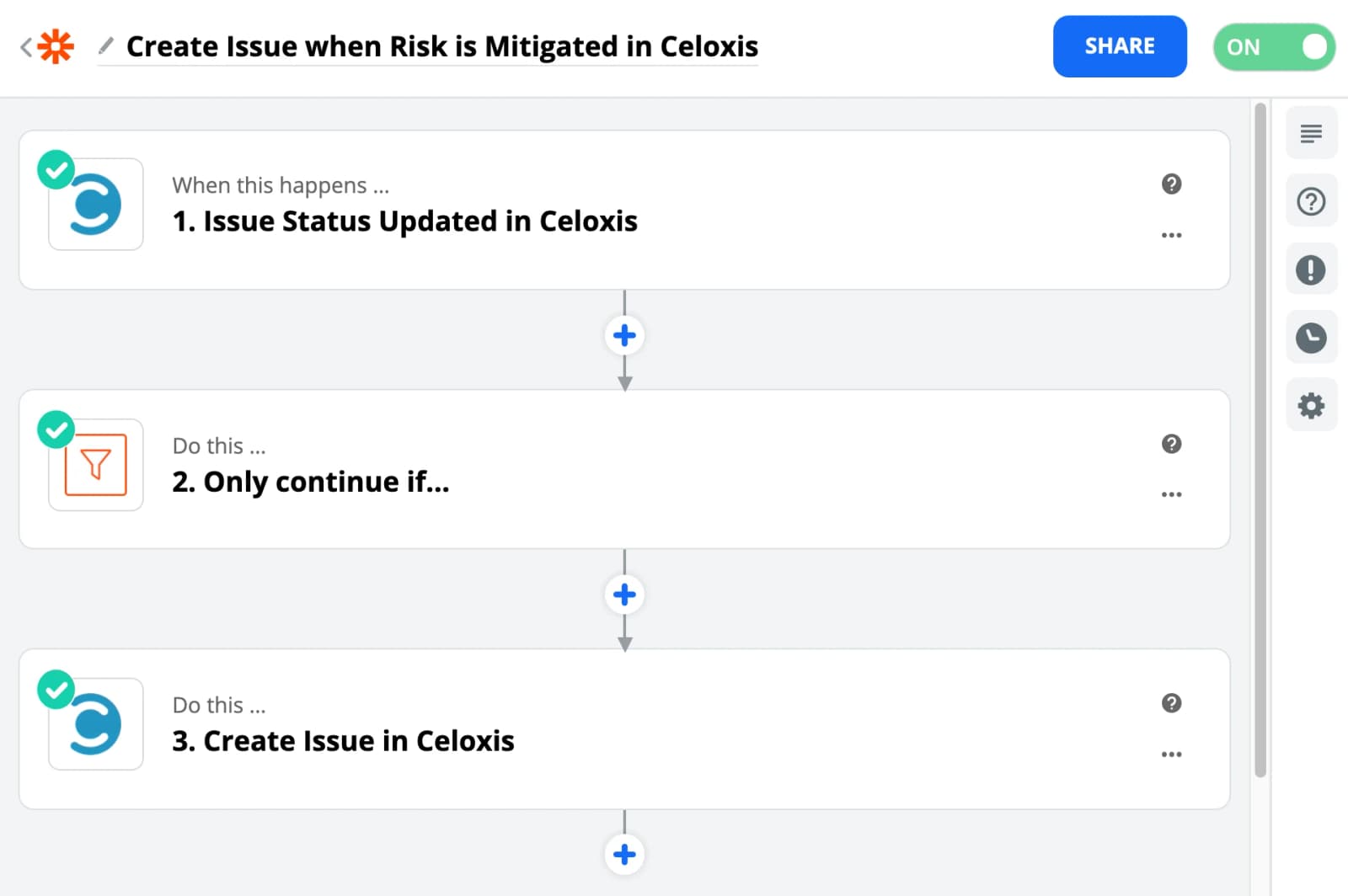
Your Zap is now ready. So when ever a Risk is moved to Mitigated state then a new Issue app will be created with the data provided.