
Erstellen Sie einen Zeitleistenbericht
Set up a new Timeline report from Reports
Create a Timeline report to see selected tasks and milestones across one or more projects on a read-only schedule chart.
- Open Reports
Go to Reports and click New.
- Choose Project report type
Select Project as the report type.
- Name the report
Enter a name for the Timeline report (for example, “Portfolio Timeline” or “Key Milestones”).
- Set output to Timeline
Set the Output Type to Timeline.
- Speichern
Click Add Report.
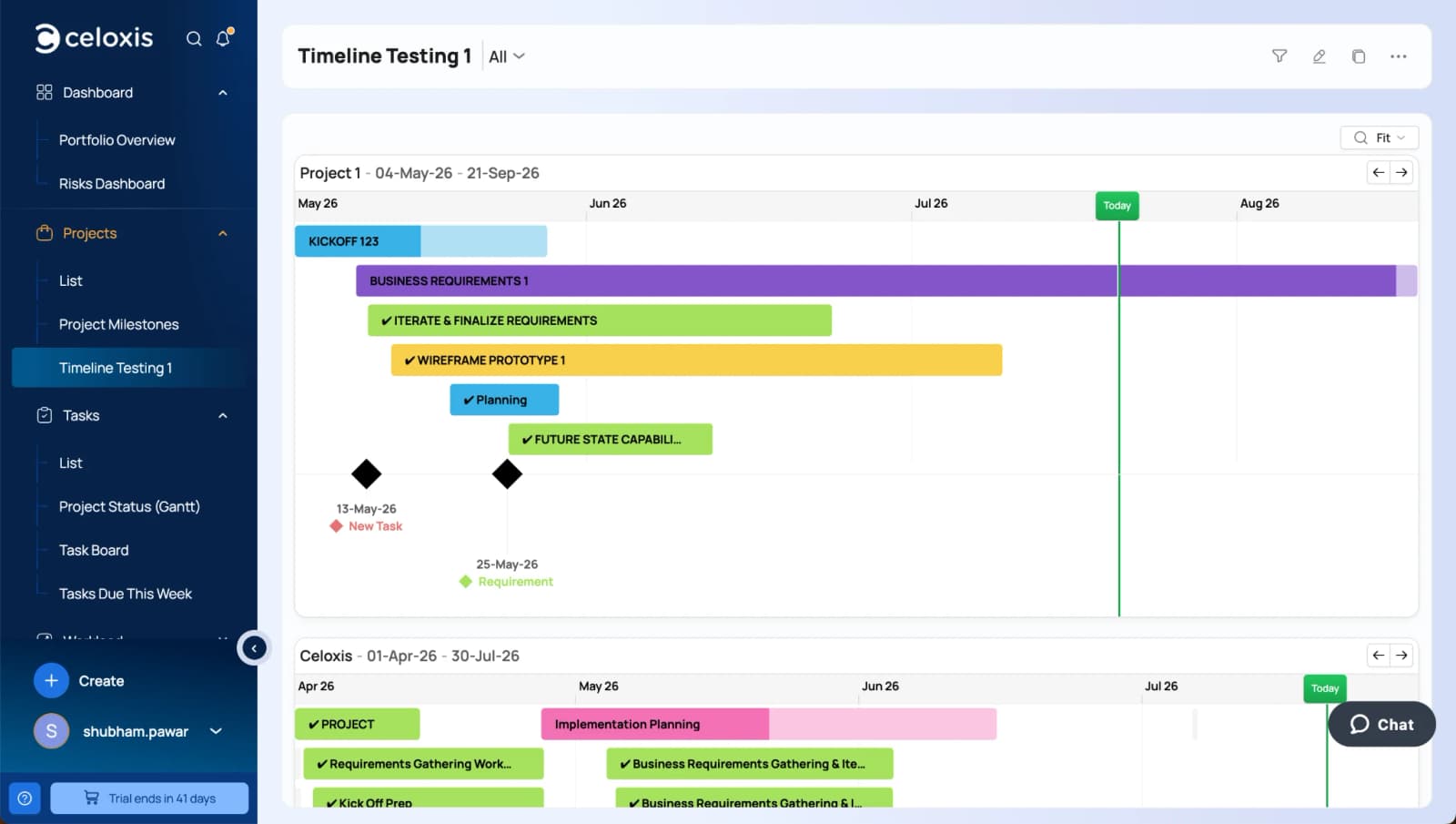
After the report is created, open it from Reports or add it as a widget on a dashboard or project Overview tab. See Where Timeline Appears.