
Fügen Sie das Timeline-Widget zum Dashboard hinzu
Add an existing Timeline report to a dashboard so you can see project schedules alongside other widgets.
- Make sure a Timeline report already exists — see Create a Timeline Report if needed.
- Open the dashboard where you want the timeline.
- Click Add to Dashboard.
- Search for the Timeline report and click its name.
- Save the dashboard layout.
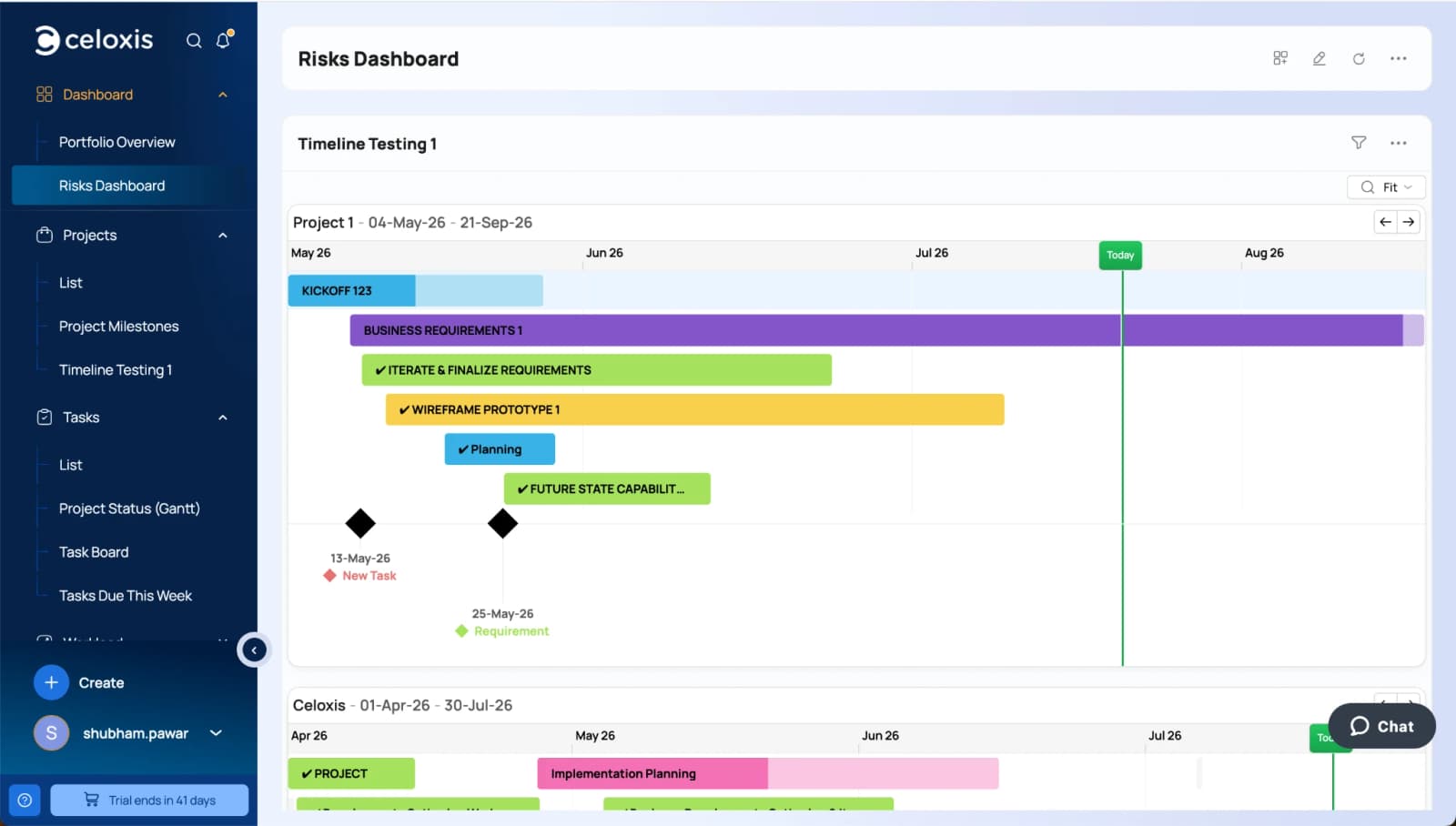
The widget shows the same read-only chart as the report — task bars, milestones, and the Today marker for each project in scope. Use zoom and pan from the toolbar on each project card.