
Benutzerdefinierte E-Mail senden
At times, there is a need to send email to Executives, Clients or Team Members whenever a new entity is created in Celoxis such as new Project, App or Task. Although you can set your preferences to receive emails from User Settings yet there will always be a case where you need to send out customised emails when something happens in Celoxis.
In this article, we will learn to send a customised email whenever a New Project is created in Celoxis. For this we will be using Zapier, if you are not familiar with Zapier then first read this article.
Send an email when a New Project is created in Celoxis
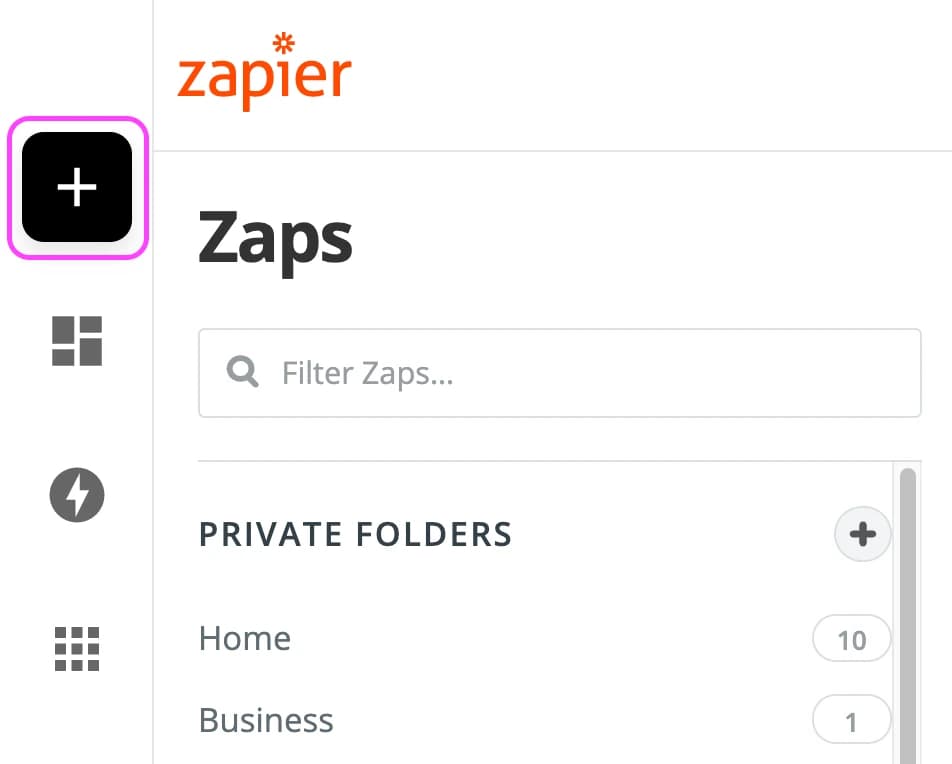
- Erstellen Sie einen Zap
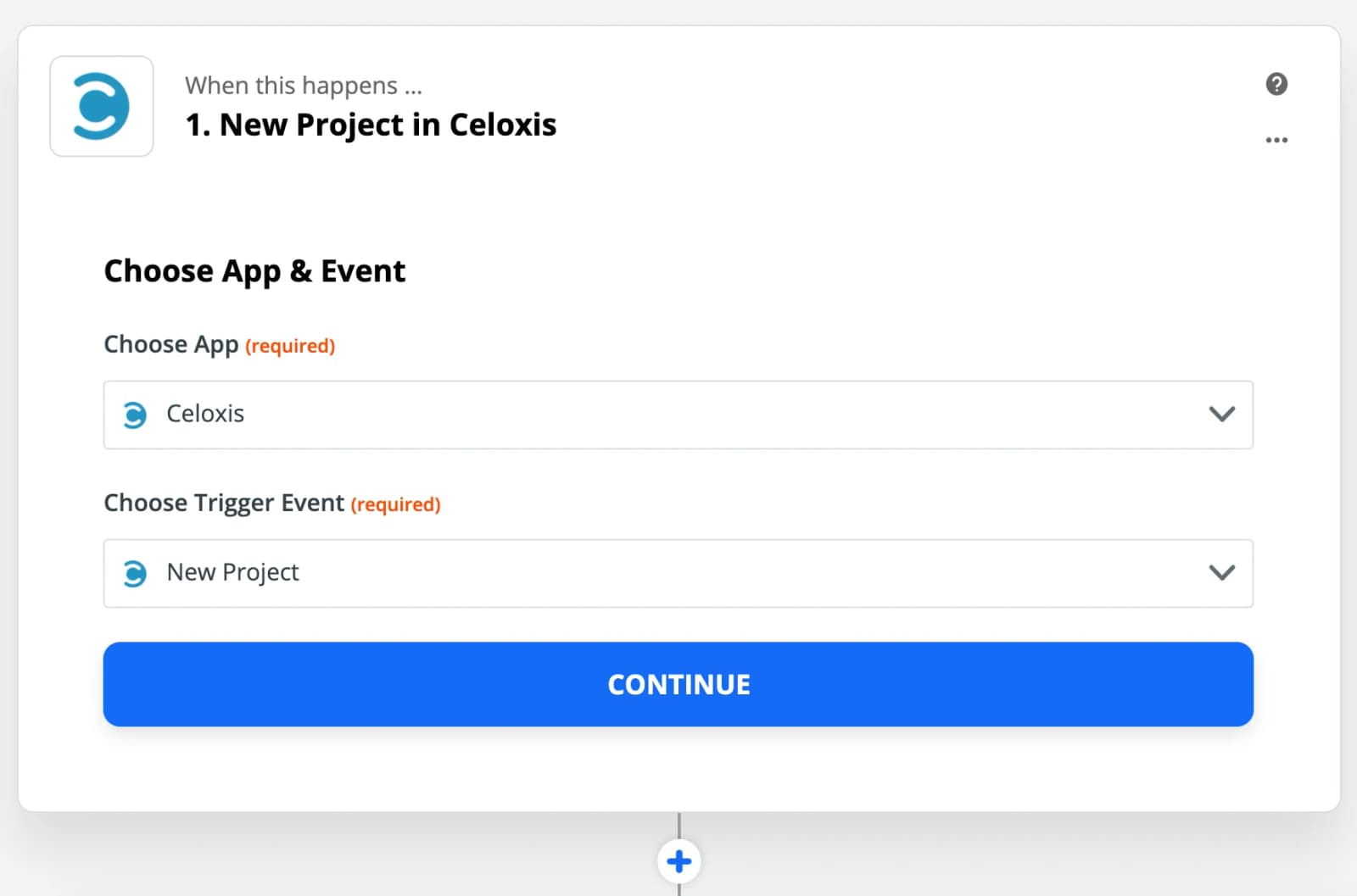
- Choose Celoxis app and New Project as the Trigger
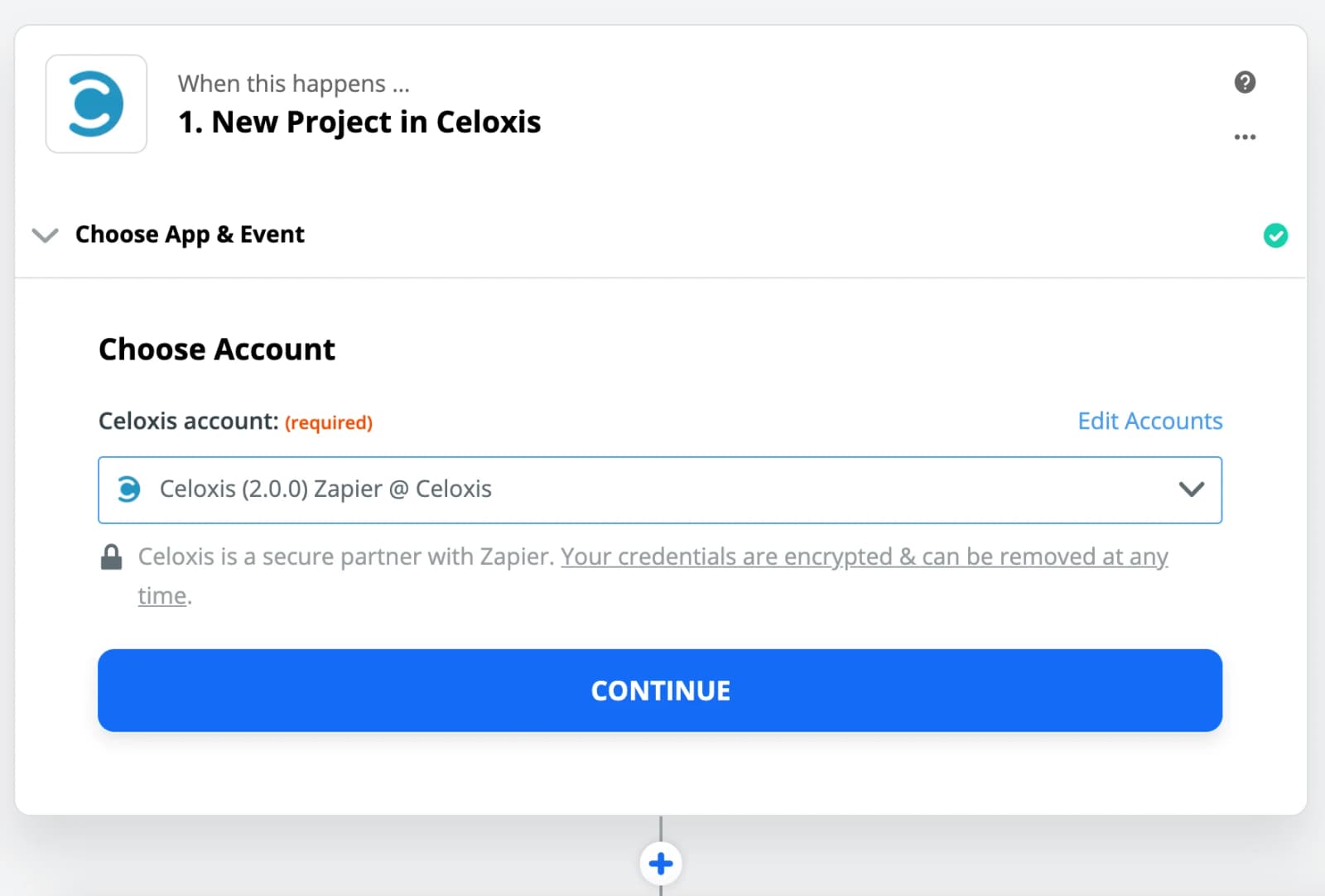
- Wählen Sie Ihr Celoxis-Konto aus
In case the account is not displayed then add your account.
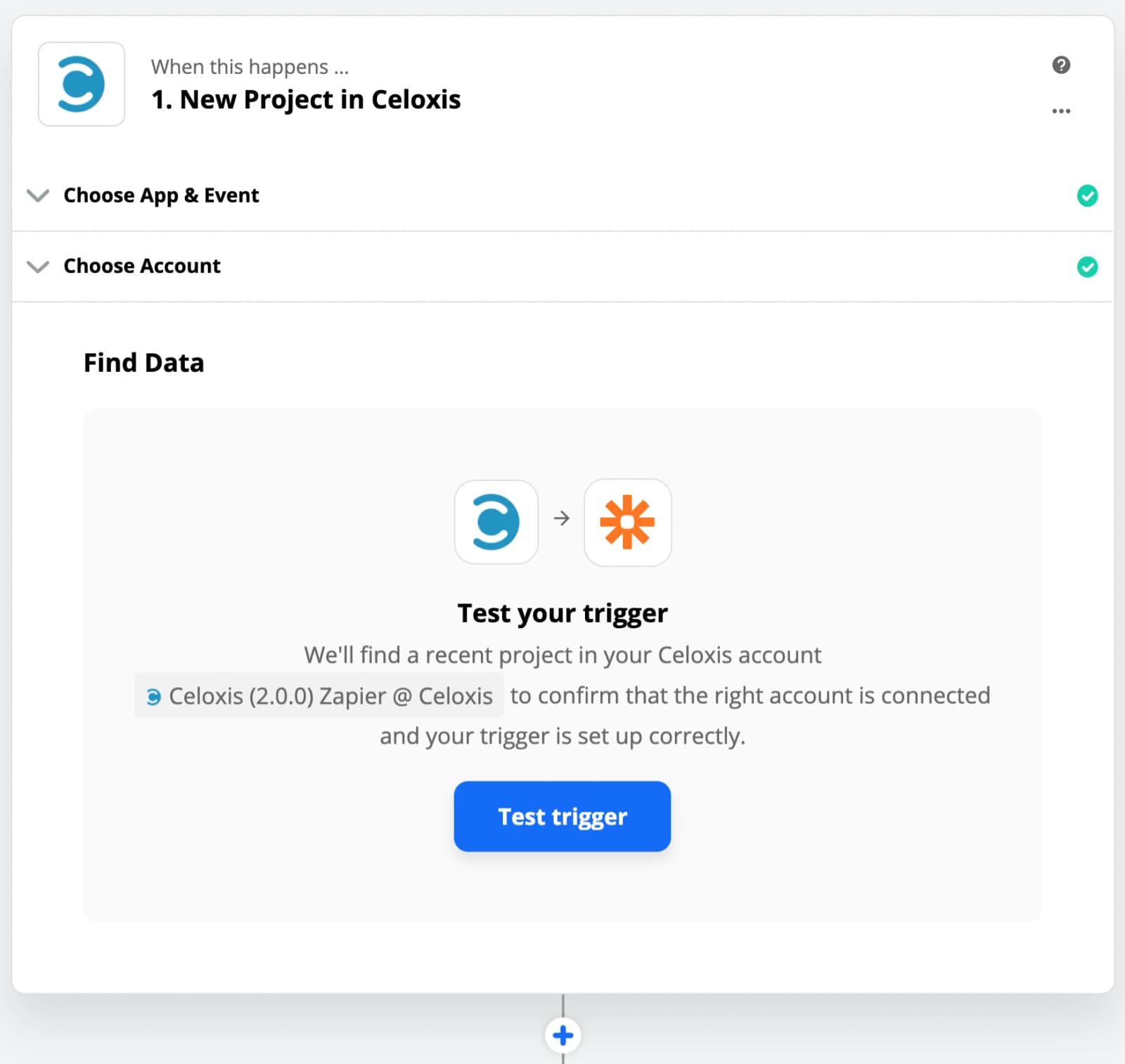
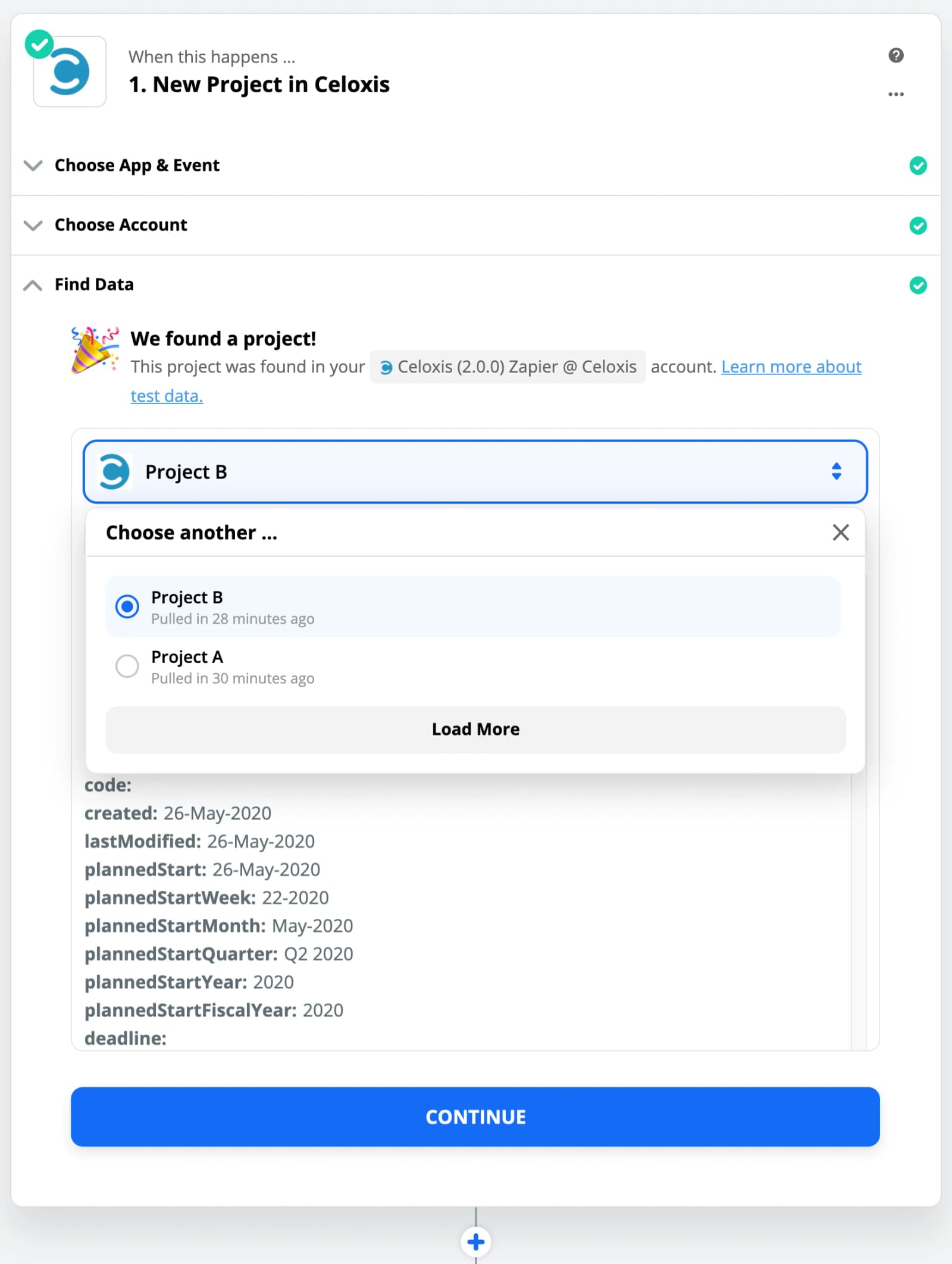
- Testen Sie den Auslöser
- Wählen Sie ein Beispiel aus
Die Daten aus der Stichprobe werden in weiteren Schritten zur Einrichtung des Zaps verwendet.
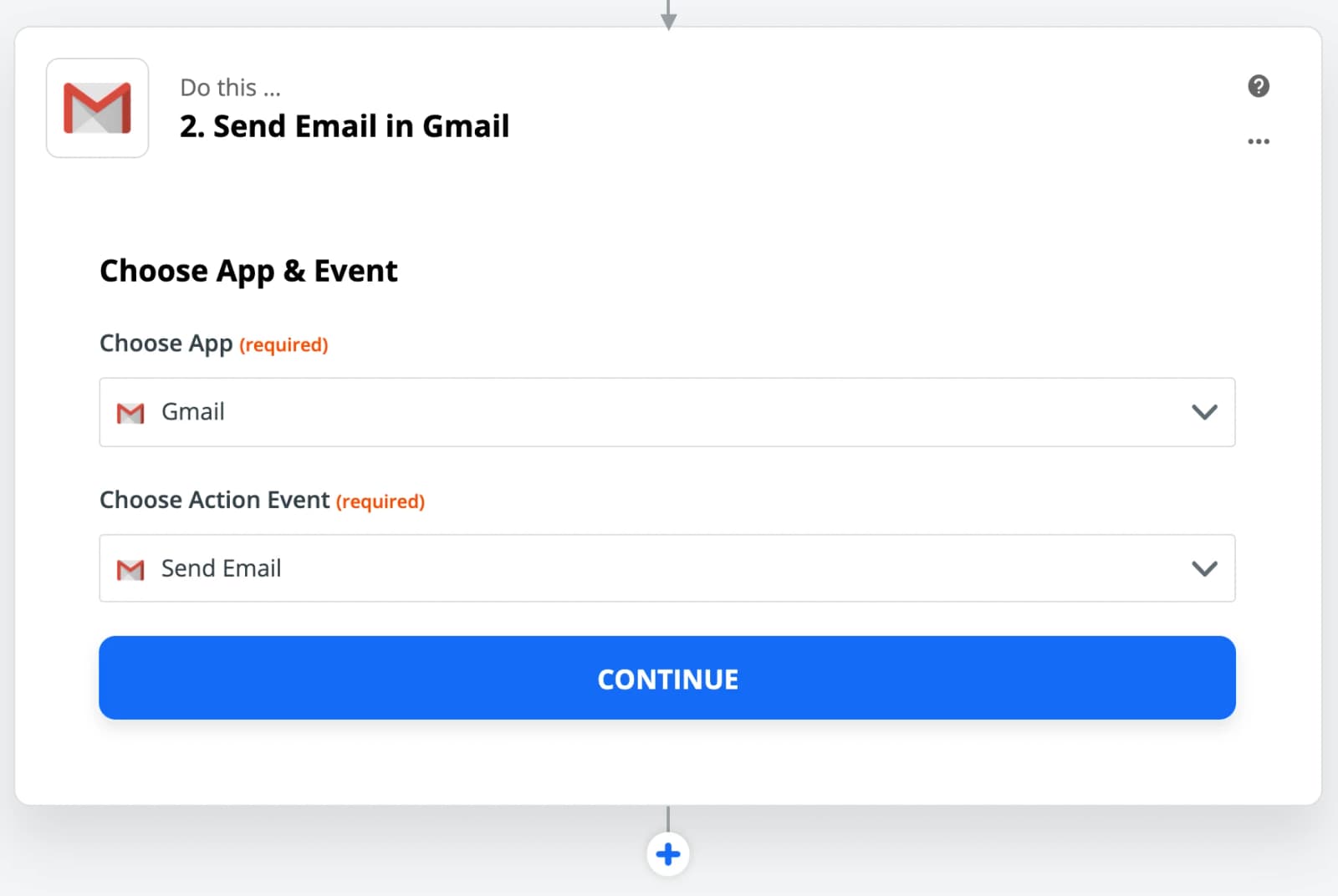
- Choose Gmail app and Send Email as the Action
In place of Gmail, you can use other Email apps supported by Zapier.
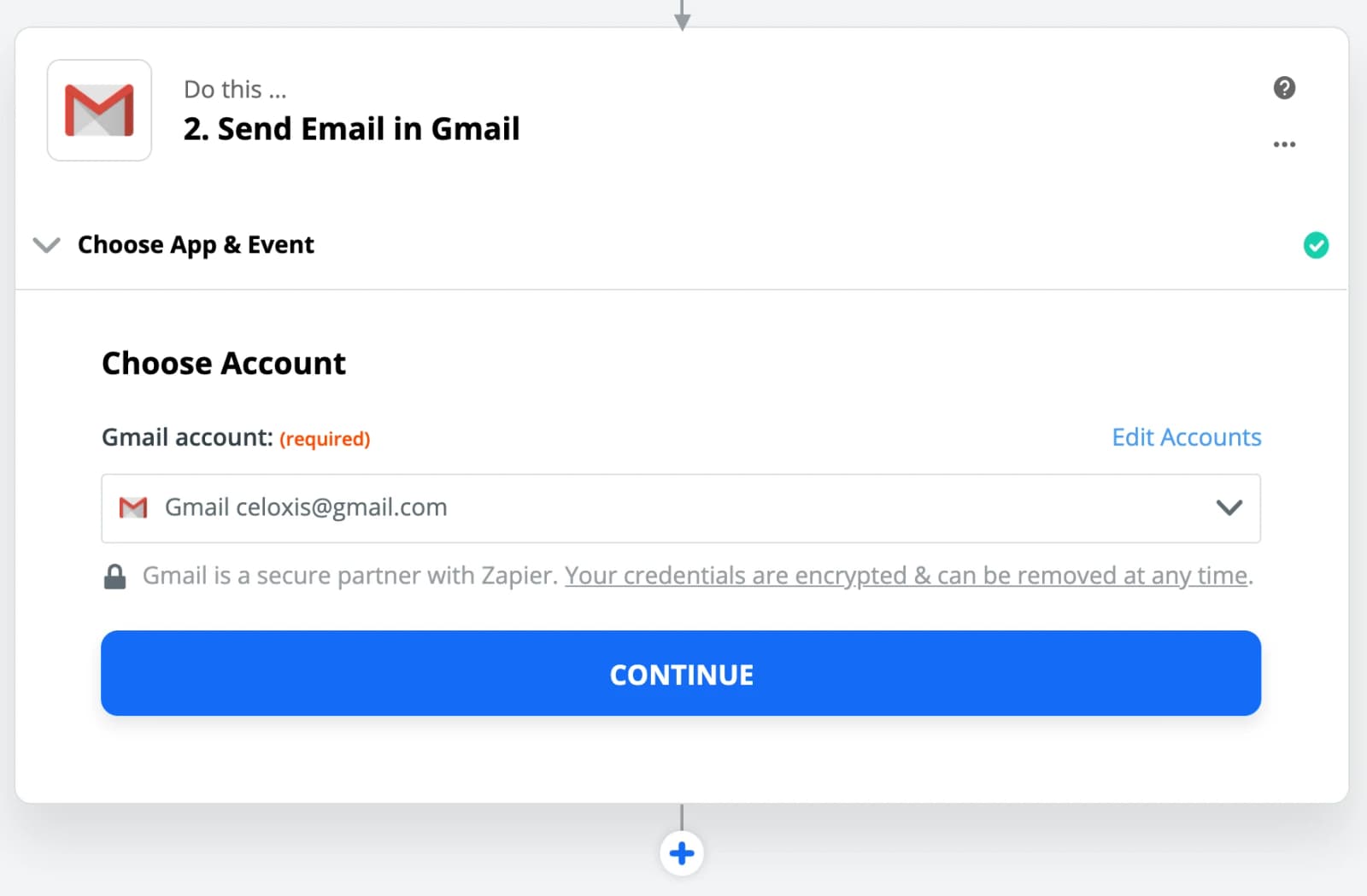
- Add your Gmail account
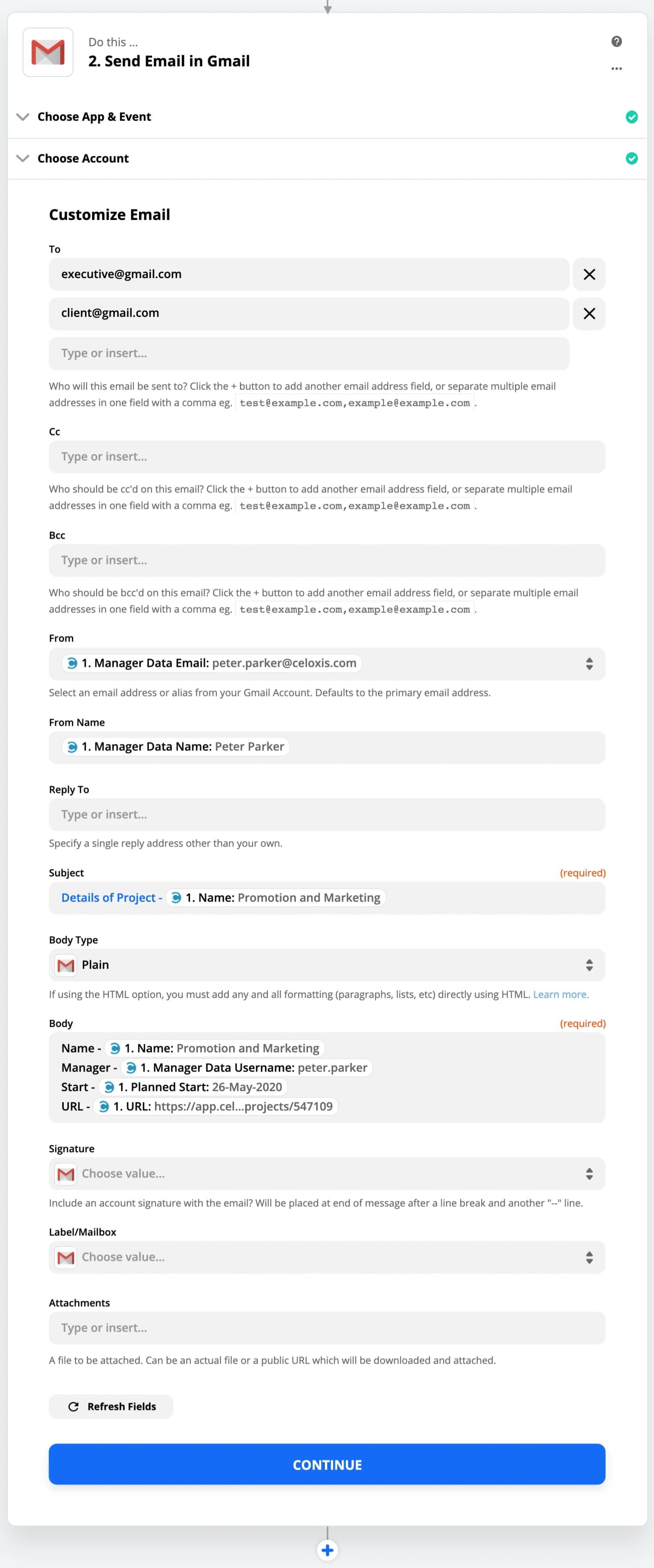
- Customize the Email
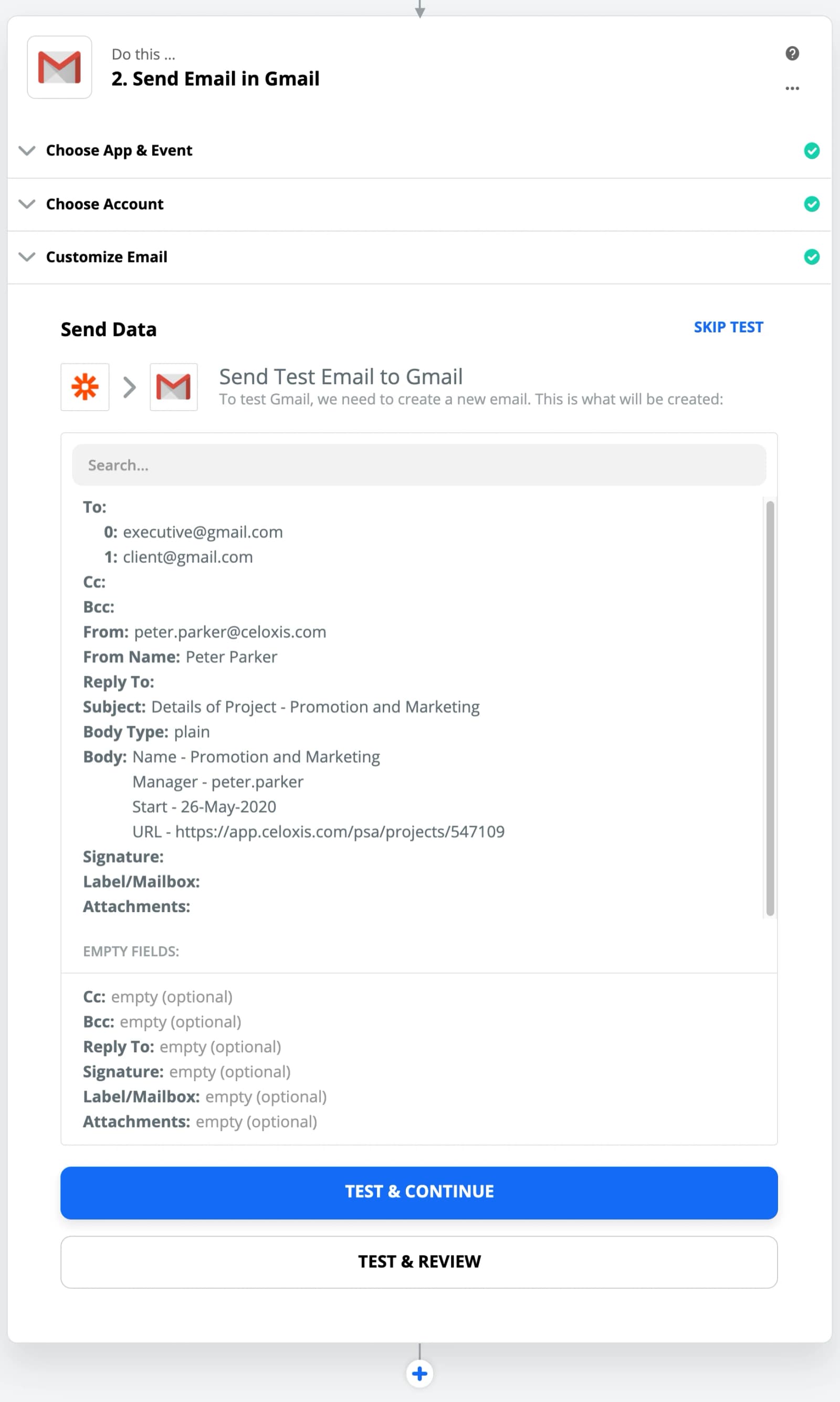
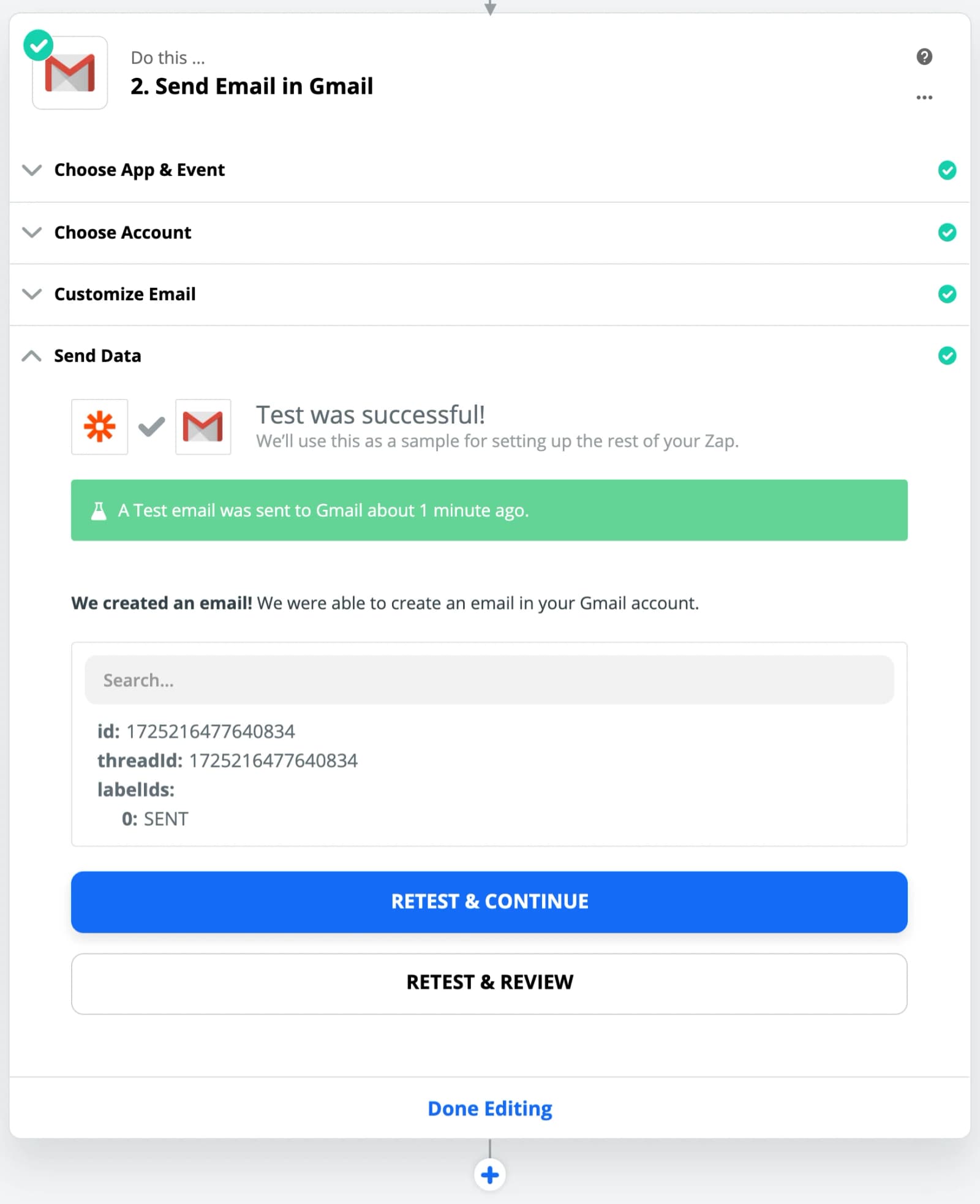
- Testen Sie die Aktion
- Click on Done Editing
- Schalte den Strom ein
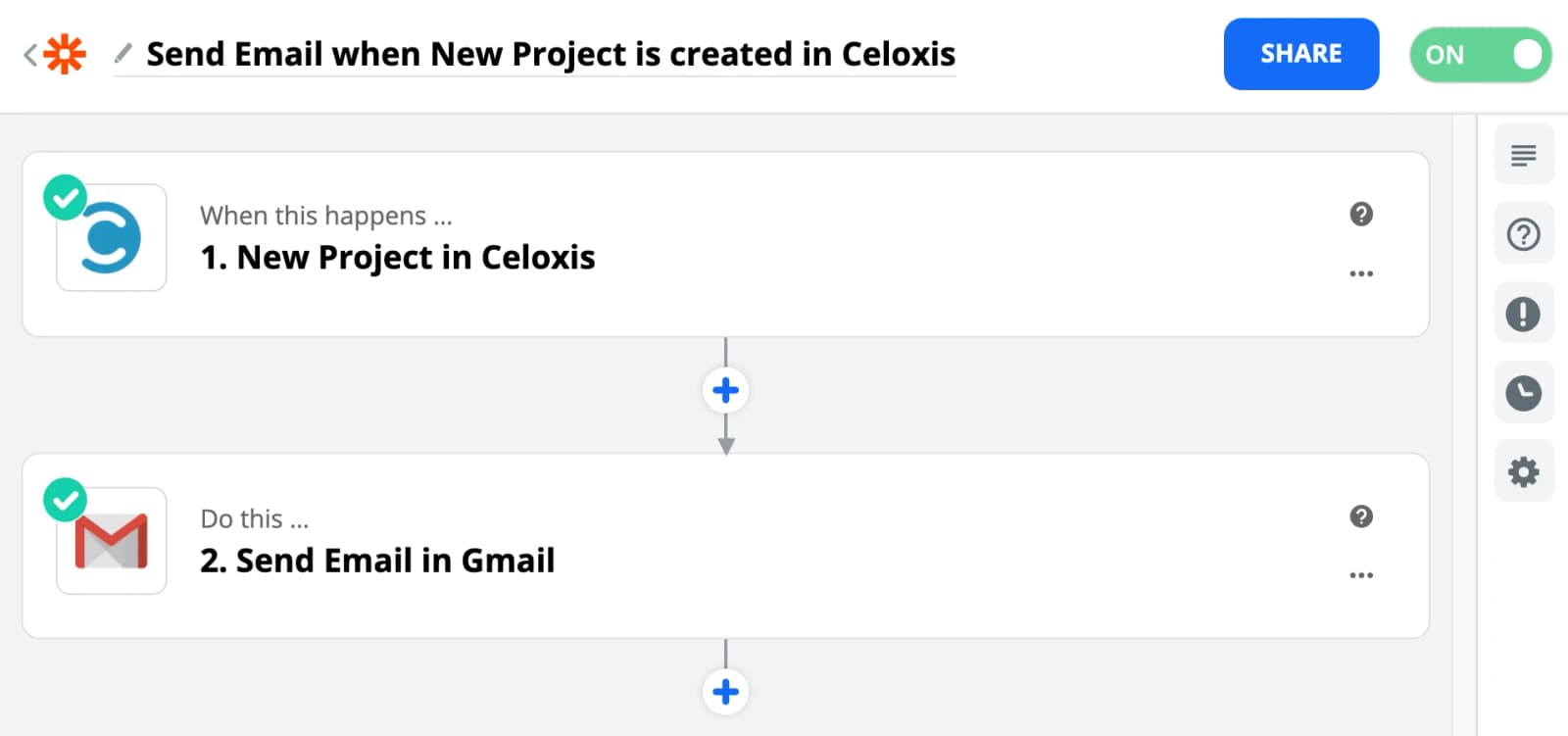
Now when ever a New Project is created in Celoxis then an Email will be sent along with the data of that project.