
Downloading Reports
PDF & Image
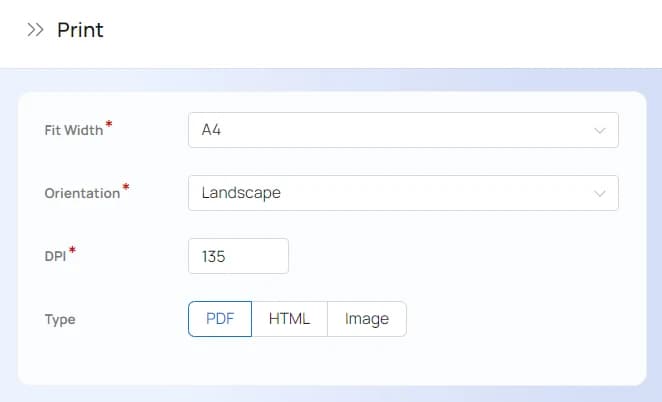
Click on or in the page title followed by Print. This will open up a popup like the one one shown below.
CSV
Click on in the page title followed by one of the following options:
- CSV – all records in the report are exported but there is no grouping of data
- Type Csv Group – all records in the report are exported and grouped as you see in your browser