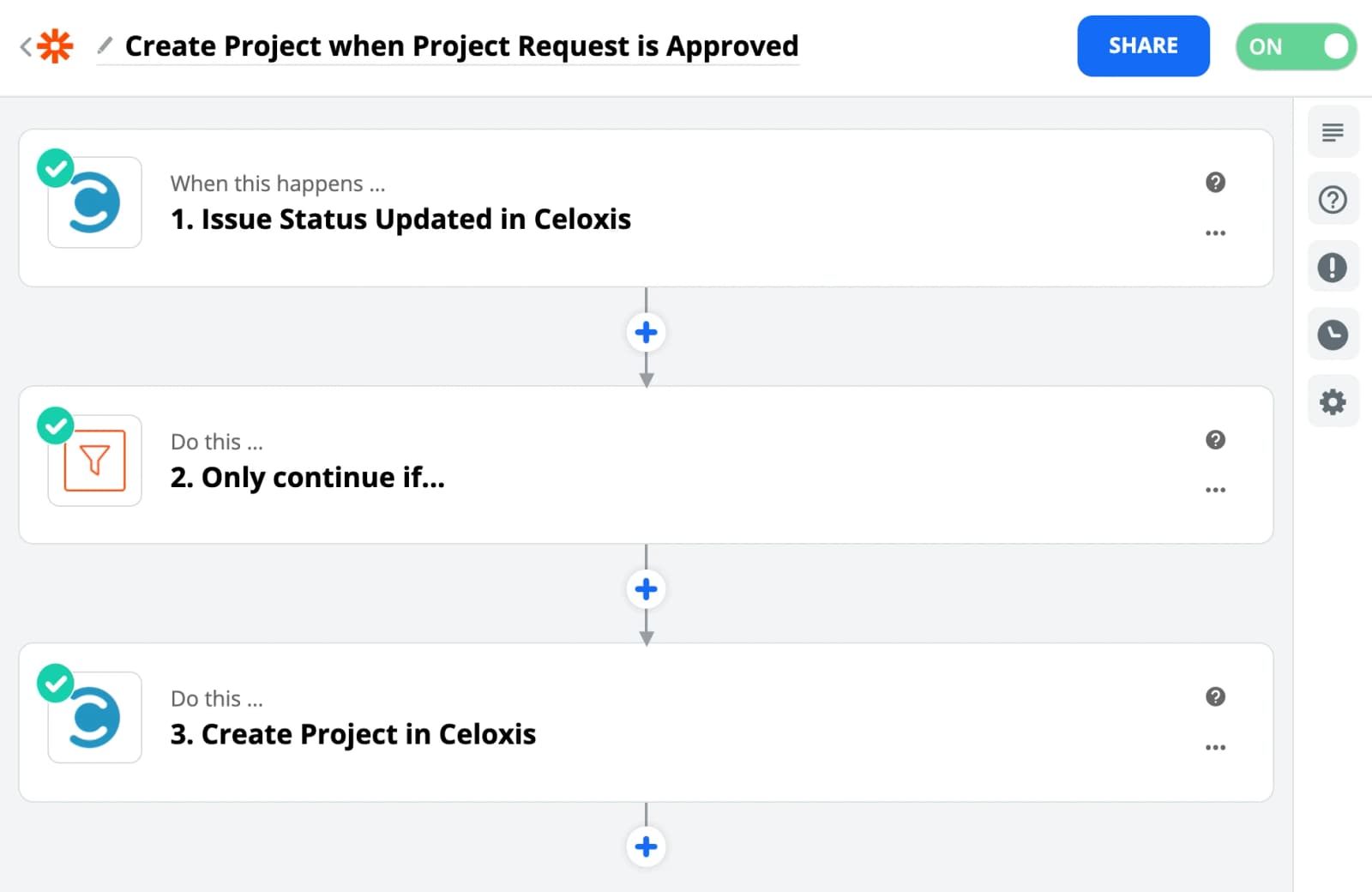
Convert Project Request to a Project
In this article, we will learn to automate a workflow which will create a New Project in Celoxis whenever a Project Request is moved to the Approved state in Celoxis. For this we will be using Zapier, if you are not familiar with Zapier then first read this article.
Automatically convert Project Request to a Project
- Make a Zap
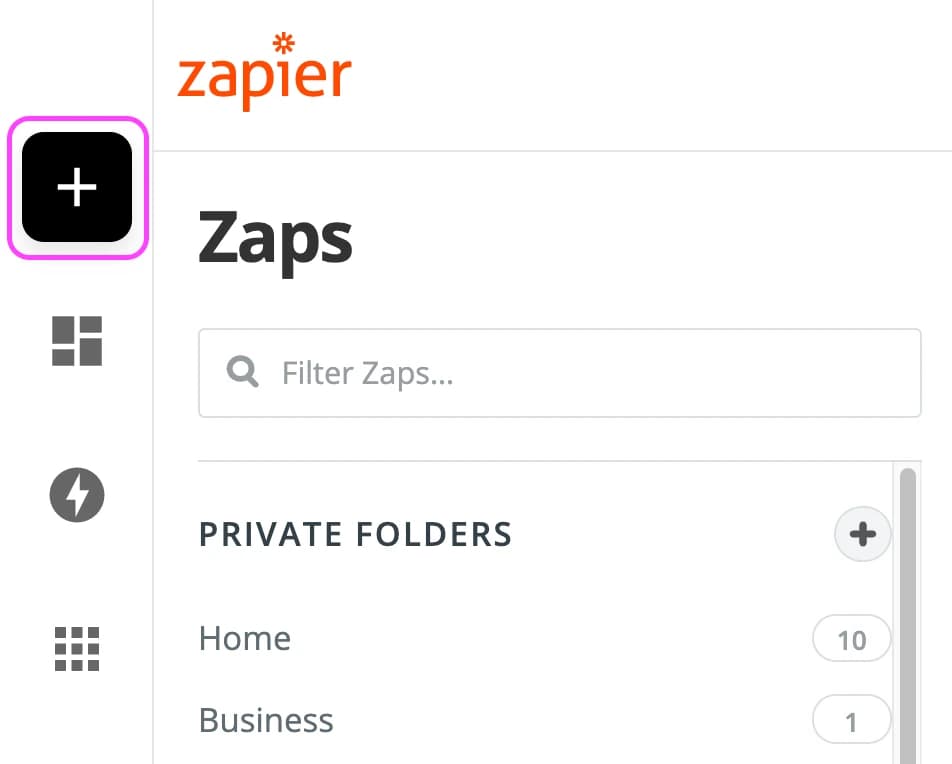
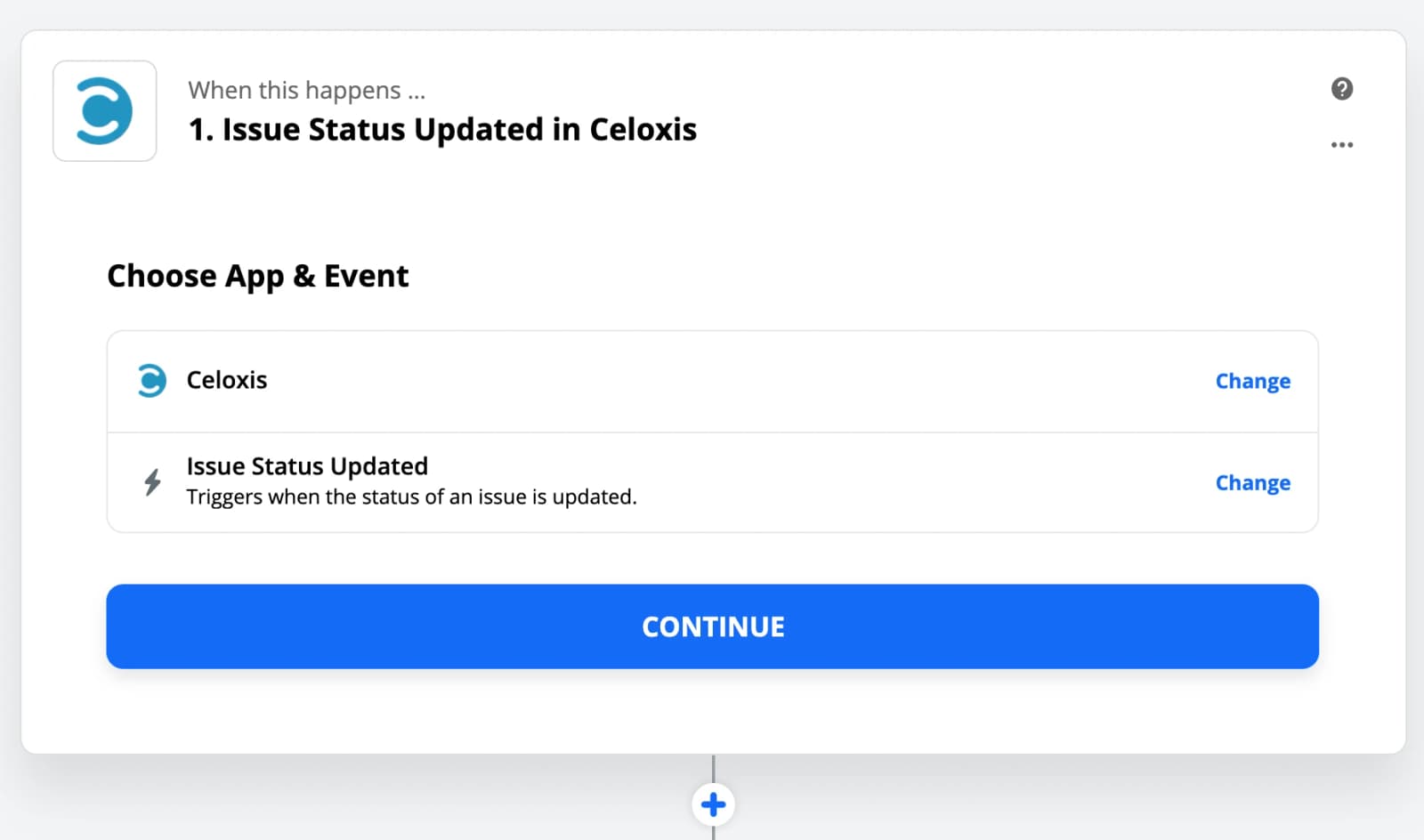
- Choose Celoxis app and Issue Status Updated as the Trigger
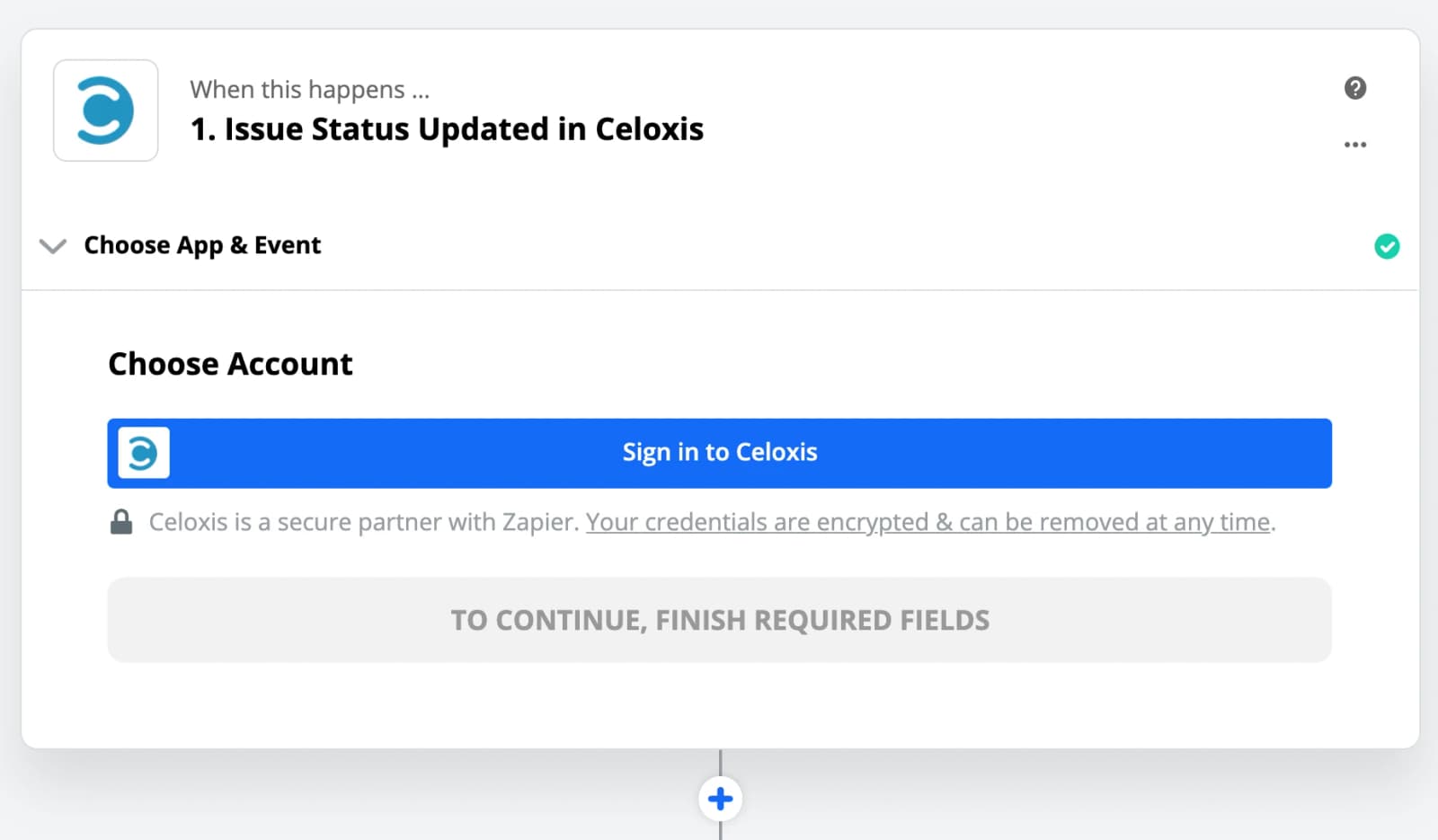
- Sign In to your Celoxis account
If the account already exists then select it from the list.
- Paste your Celoxis API key
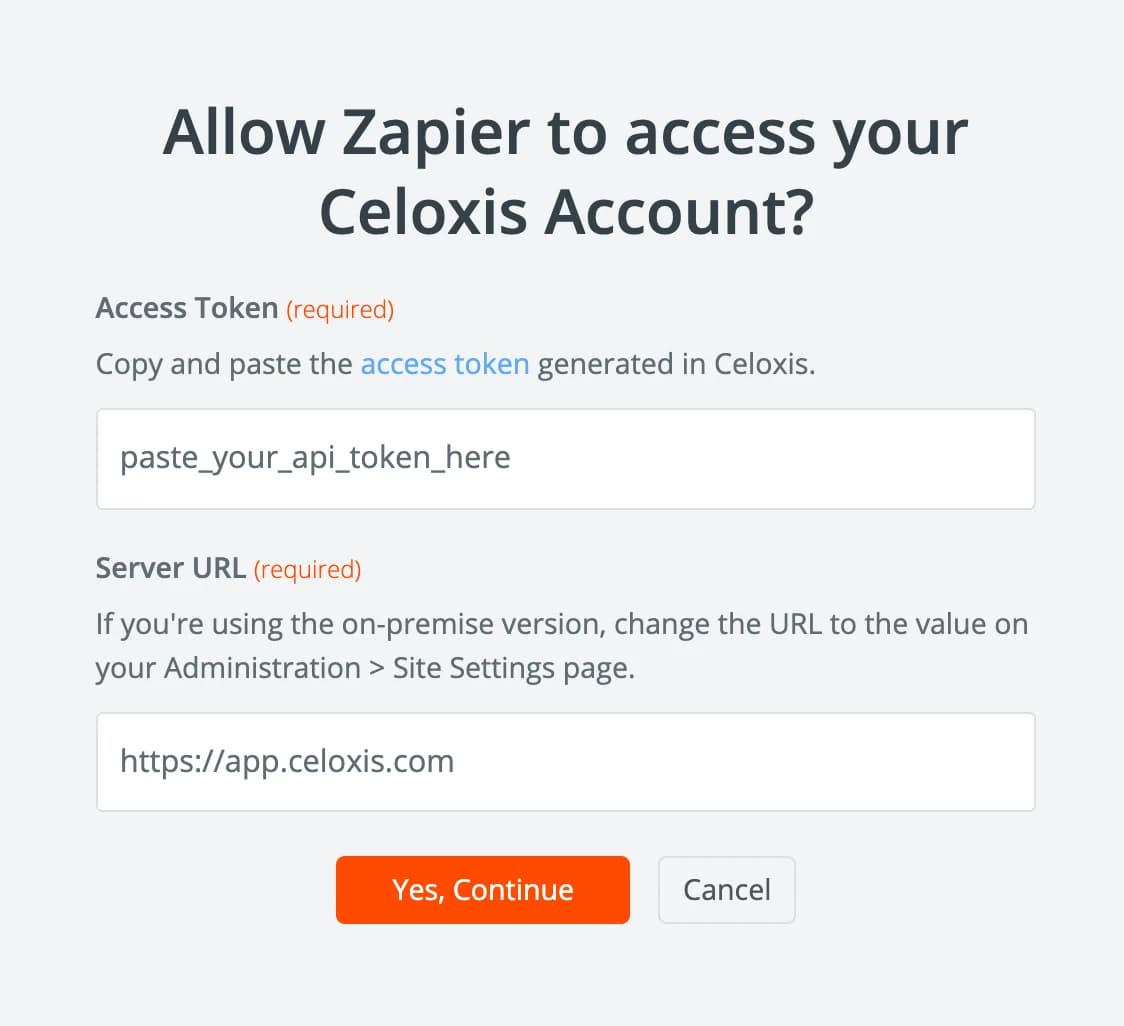
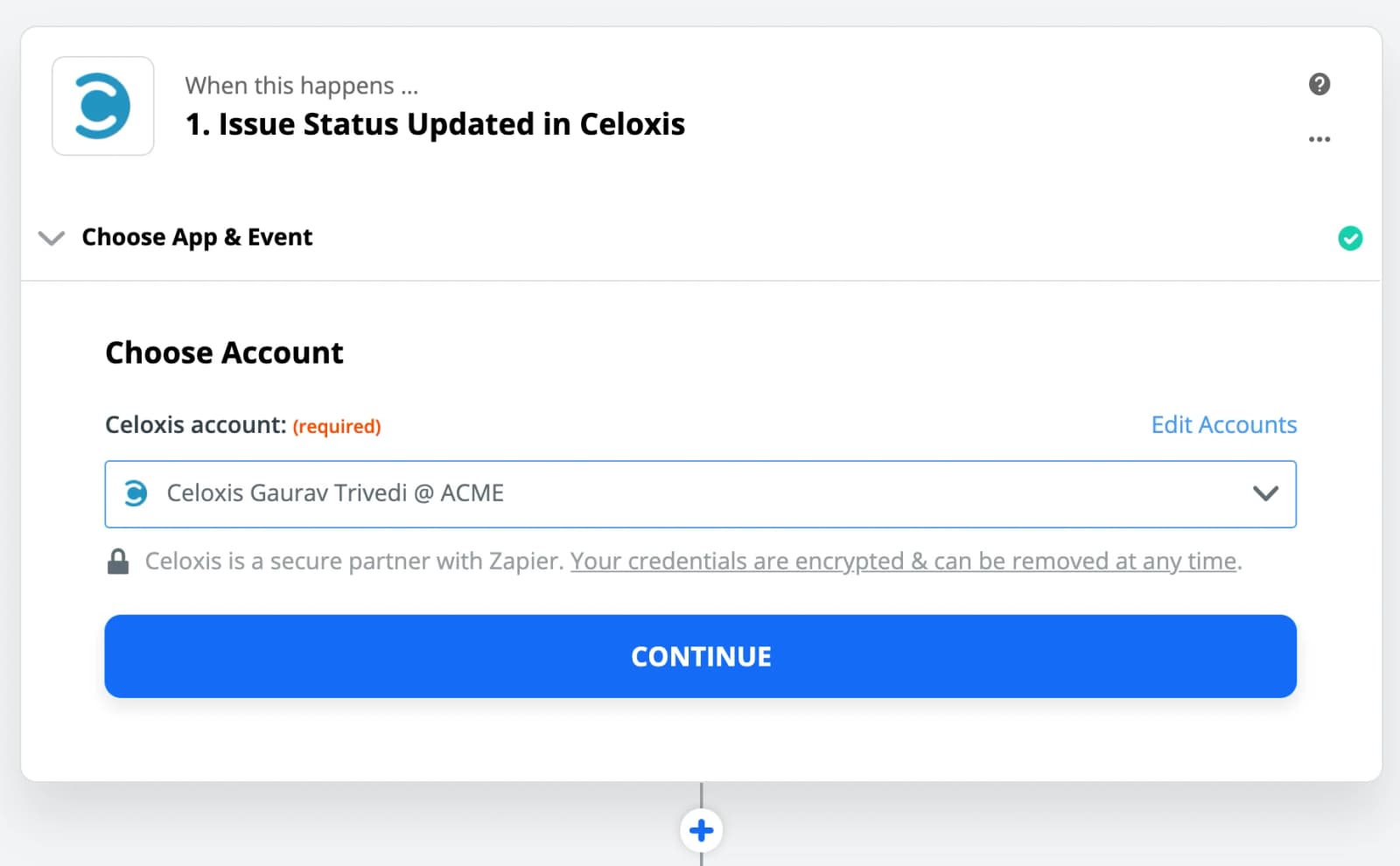
- Check the details and Continue
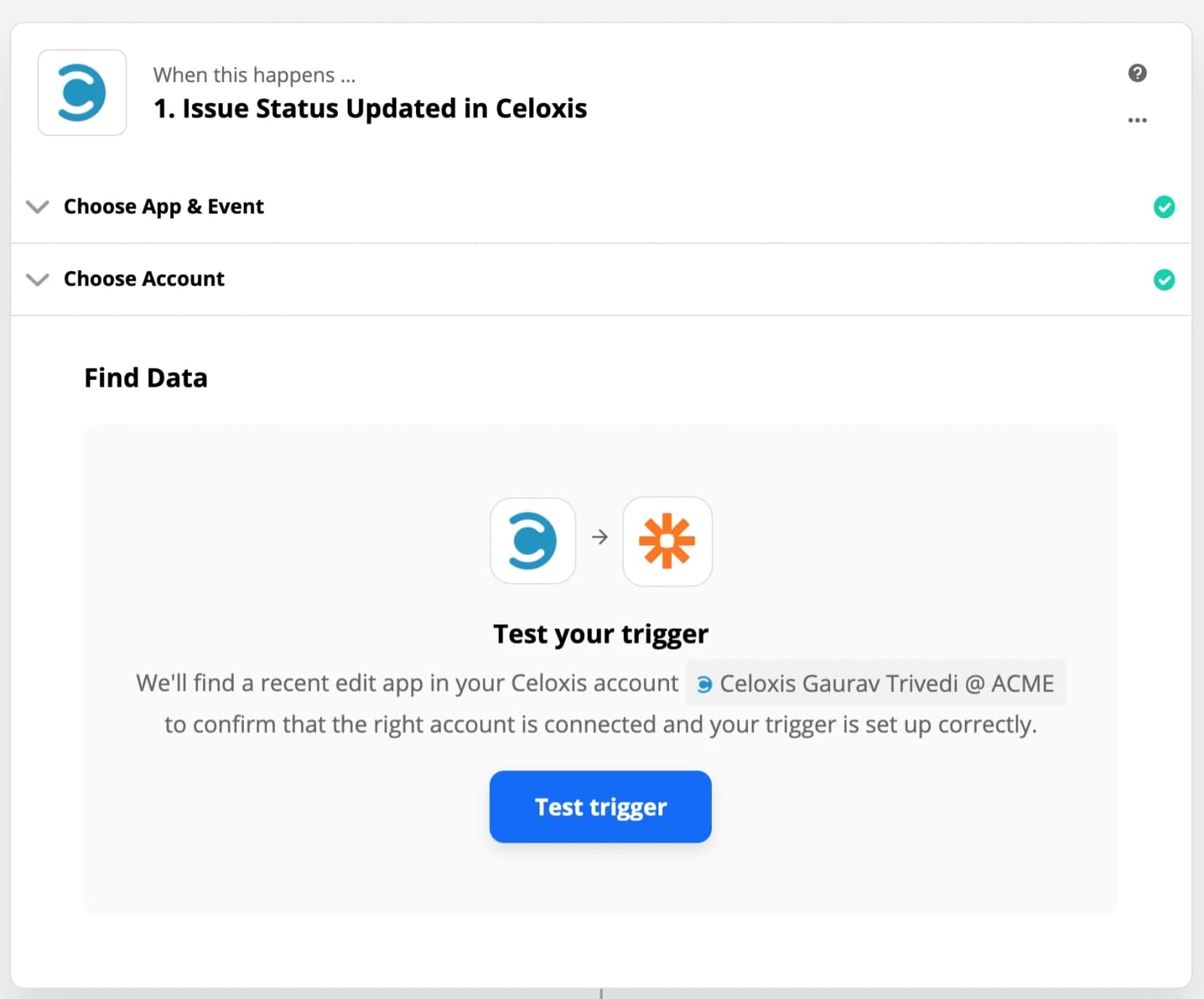
- Test the Trigger
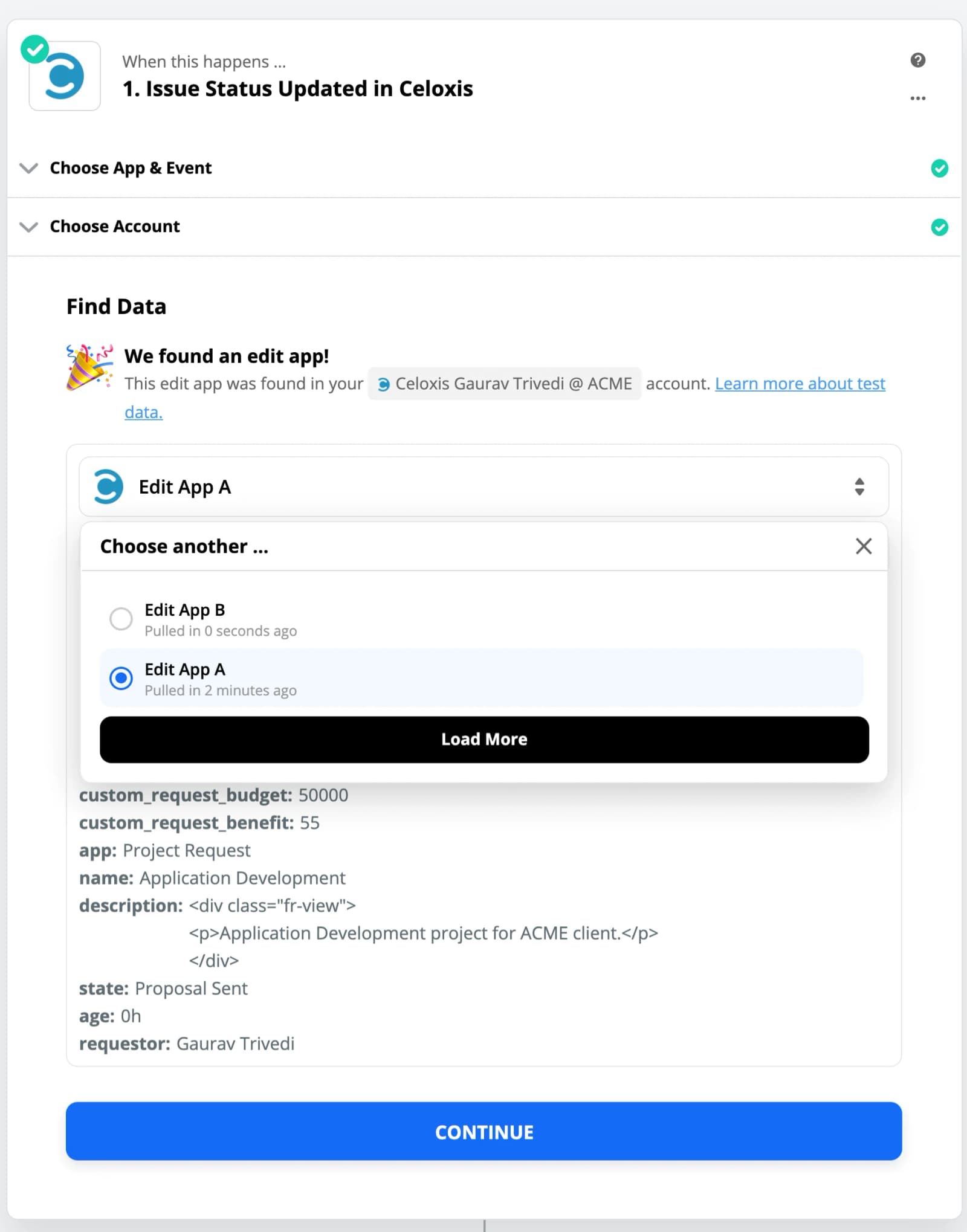
- Select a Sample
The data from the sample will be used in other steps to set up the Zap.
- Choose the Filter app

- Setup Filter

- Continue

- Test the Filter

- Choose Celoxis app and Create Project as the Action
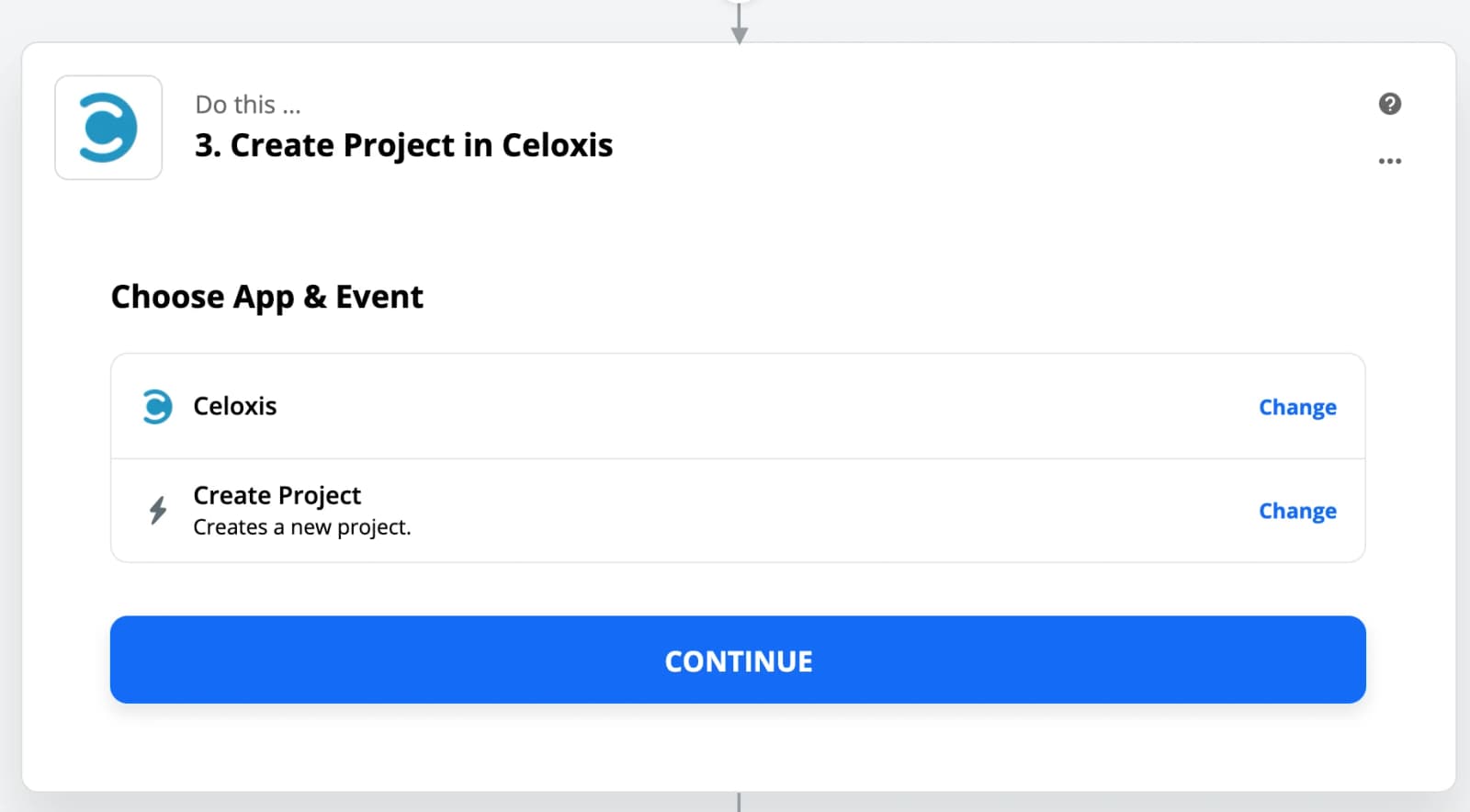
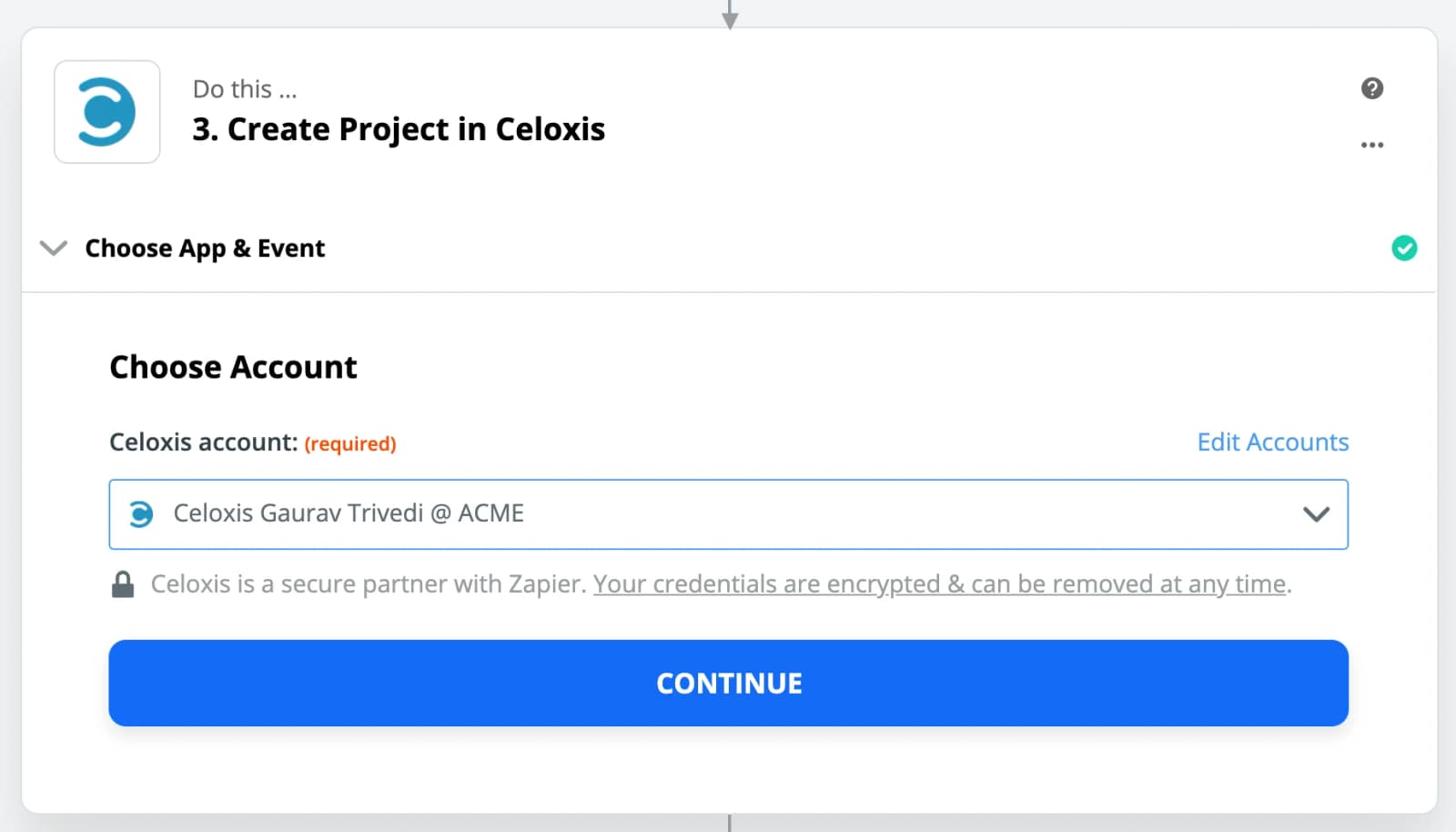
- Select the account
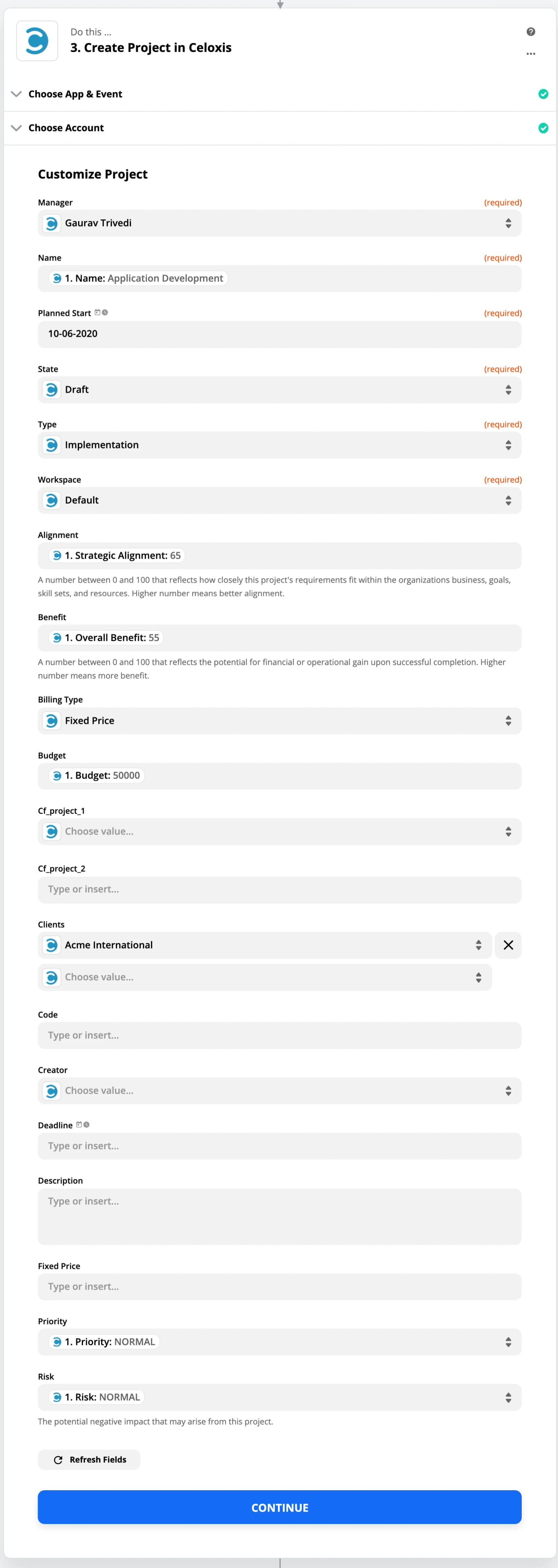
- Customize the Project
Here you can map all the fields from request app to a project.
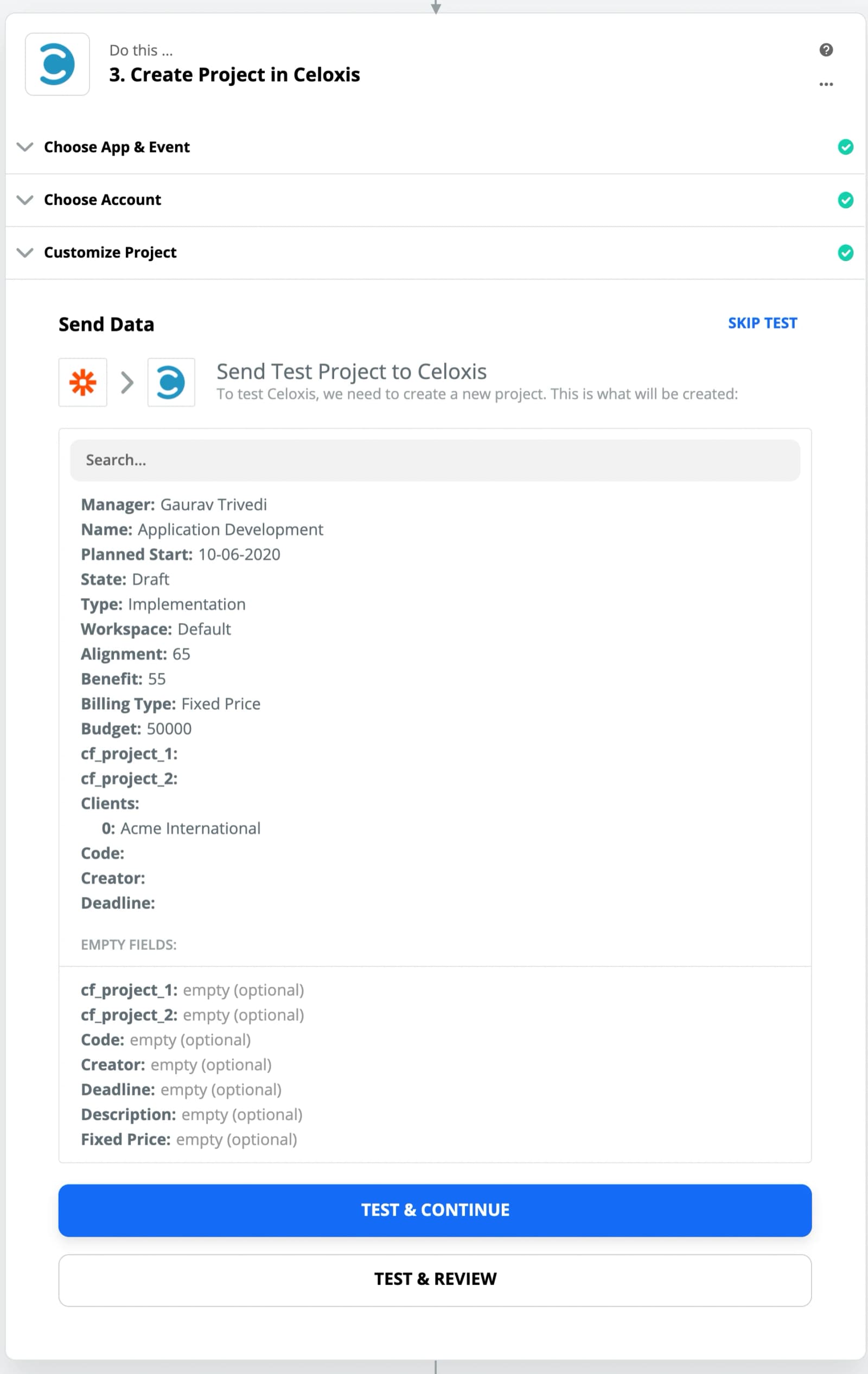
- Test the Action
- Turn On the Zap
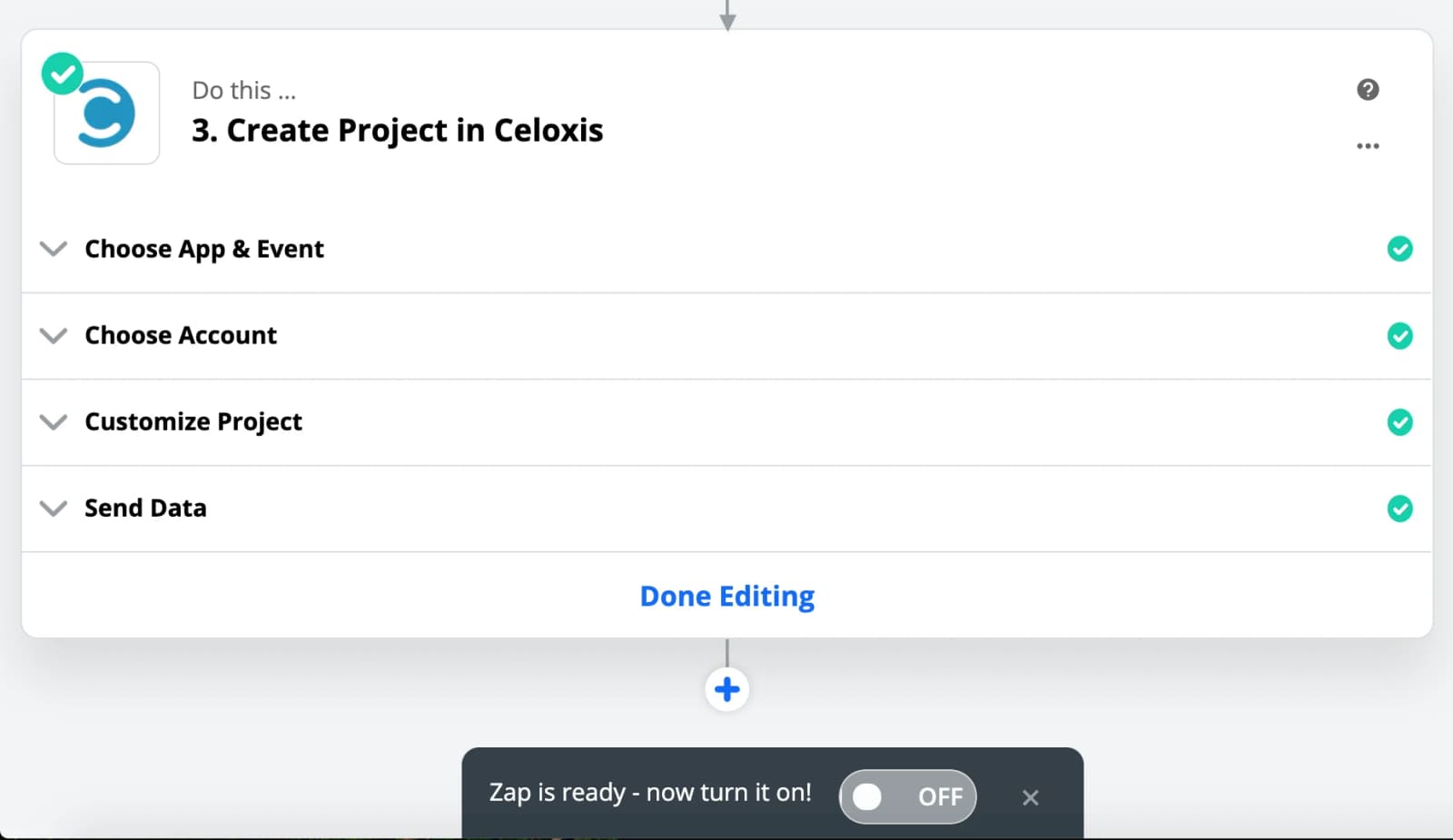
- Zap is Ready!