
Send Custom Email
At times, there is a need to send email to Executives, Clients or Team Members whenever a new entity is created in Celoxis such as new Project, App or Task. Although you can set your preferences to receive emails from User Settings yet there will always be a case where you need to send out customised emails when something happens in Celoxis.
In this article, we will learn to send a customised email whenever a New Project is created in Celoxis. For this we will be using Zapier, if you are not familiar with Zapier then first read this article.
Send an email when a New Project is created in Celoxis
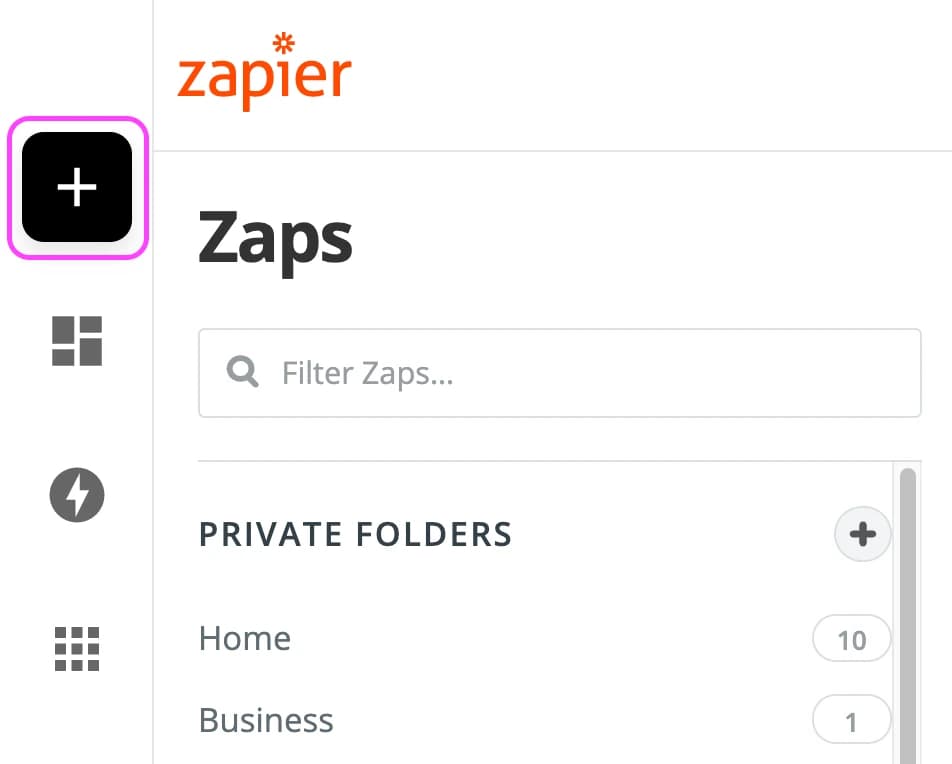
- Make a Zap
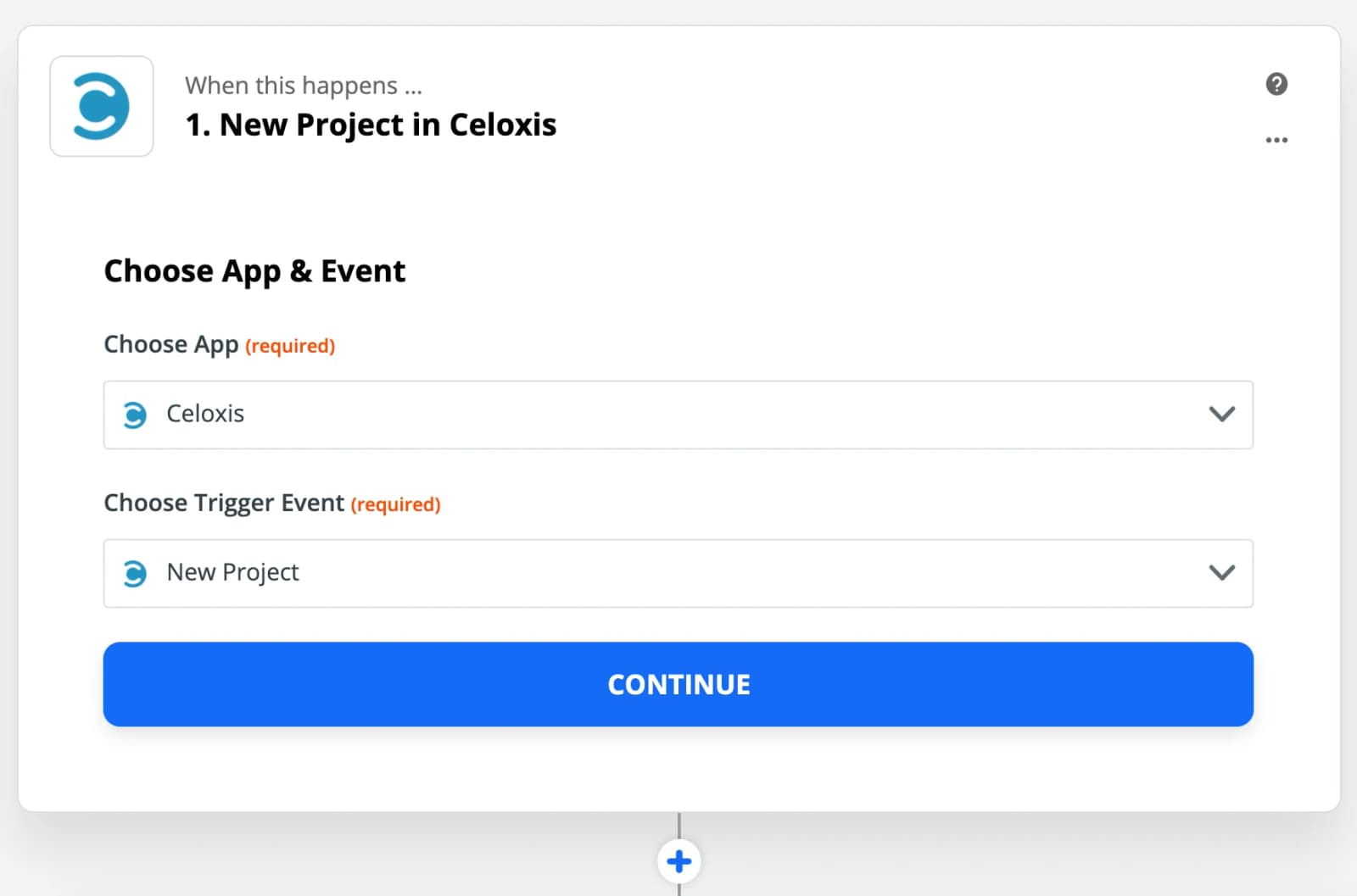
- Choose Celoxis app and New Project as the Trigger
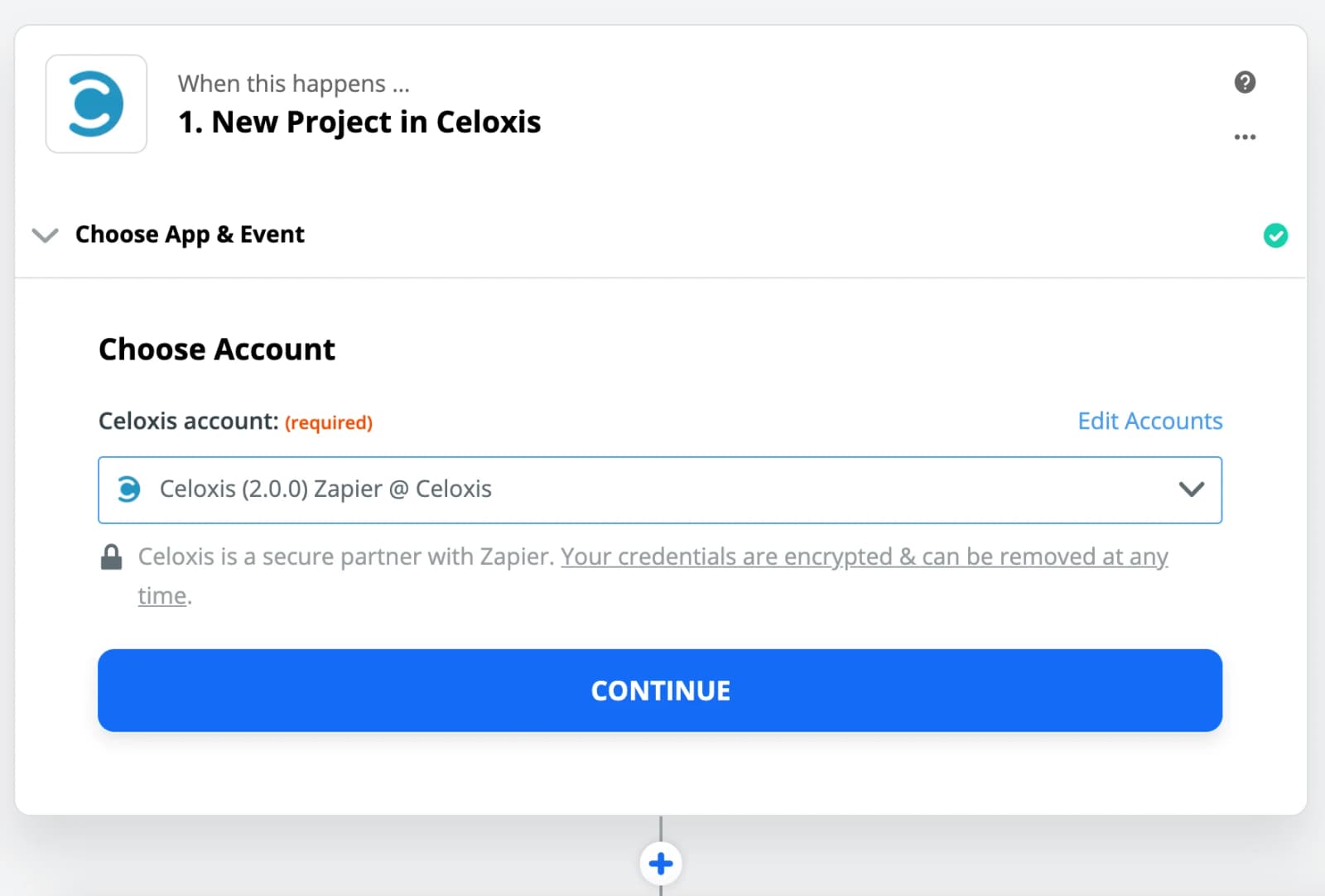
- Select your Celoxis account
In case the account is not displayed then add your account.
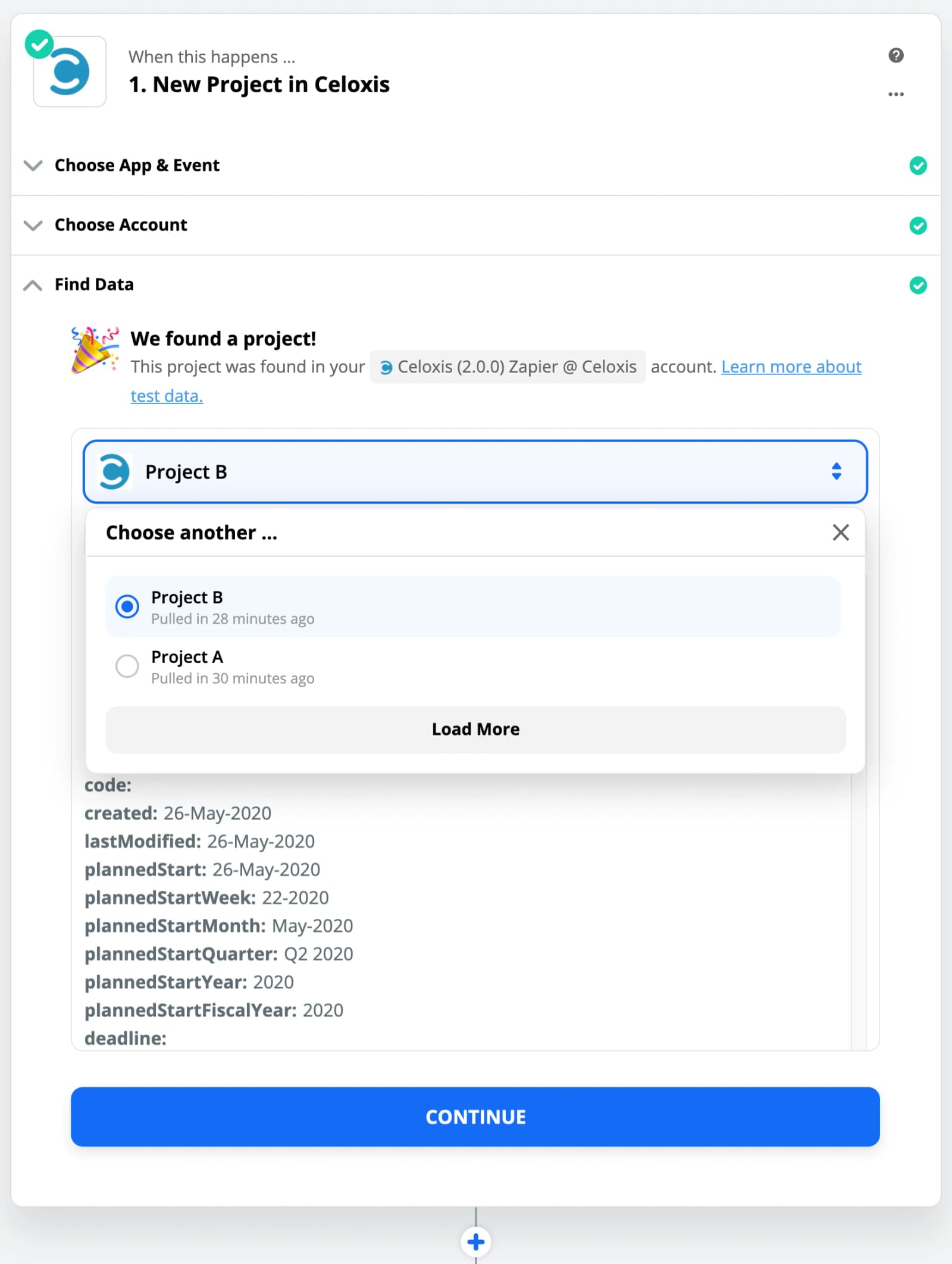
- Test the Trigger
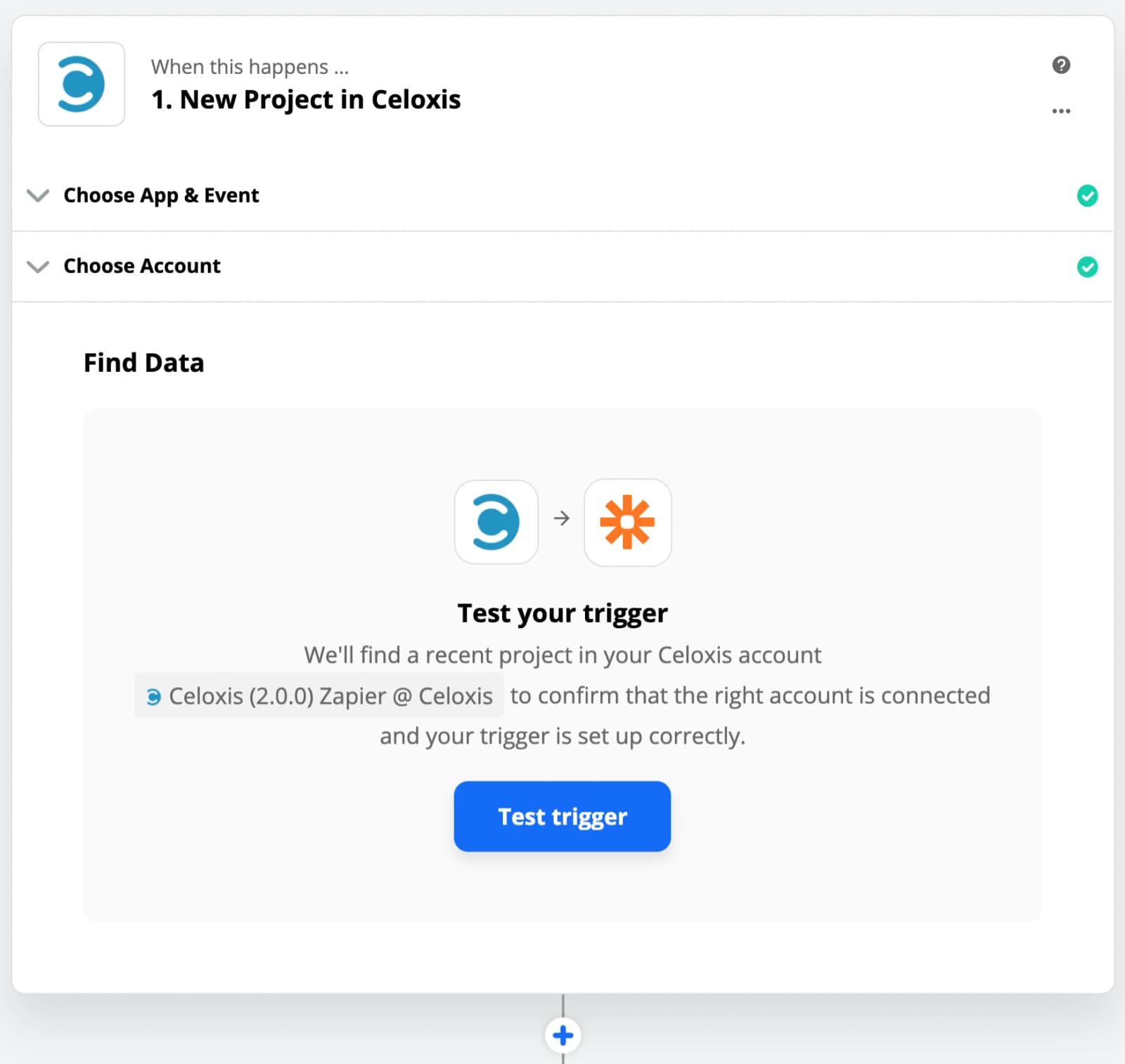
- Select a Sample
The data from sample will be used in other steps to set up the Zap.
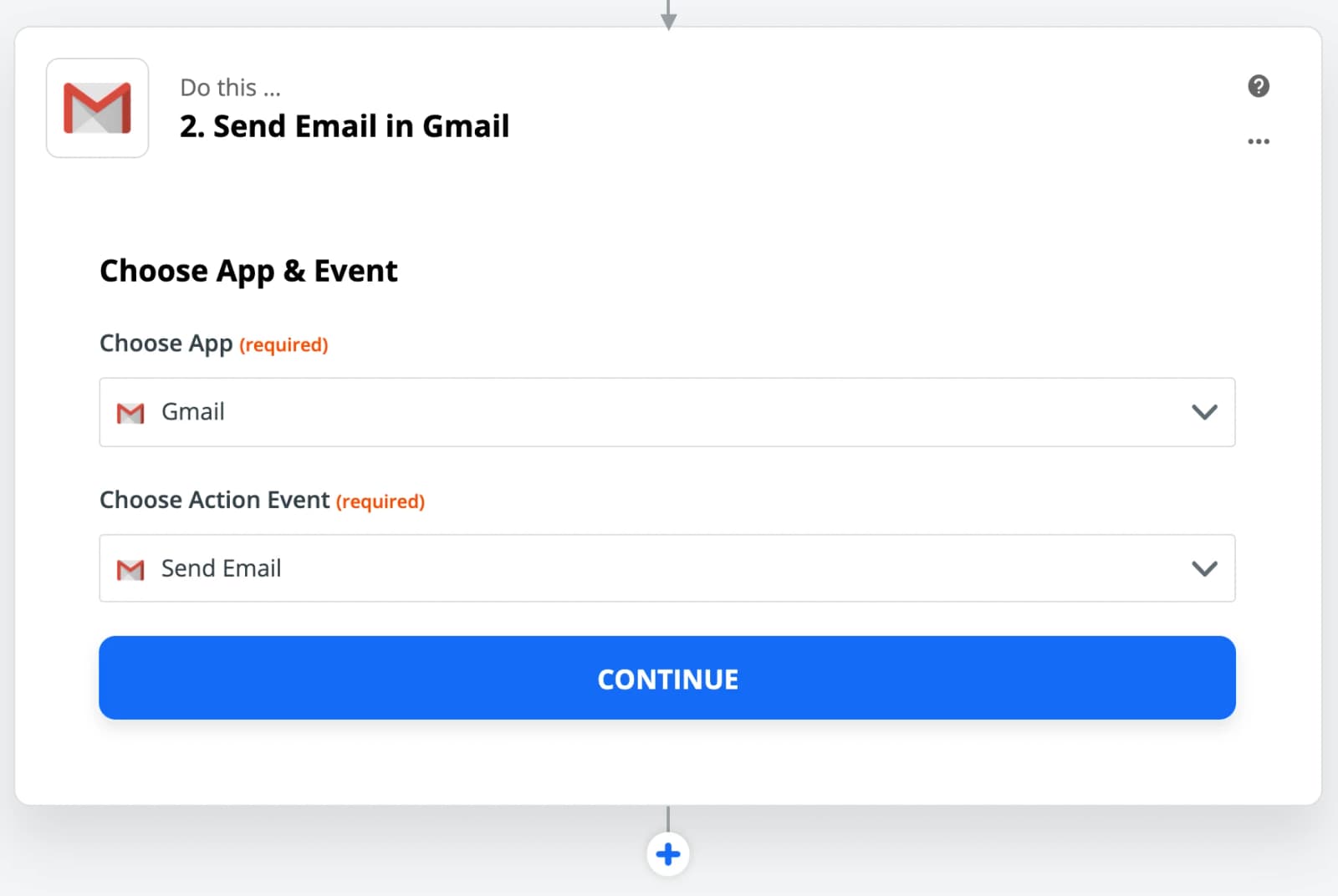
- Choose Gmail app and Send Email as the Action
In place of Gmail, you can use other Email apps supported by Zapier.
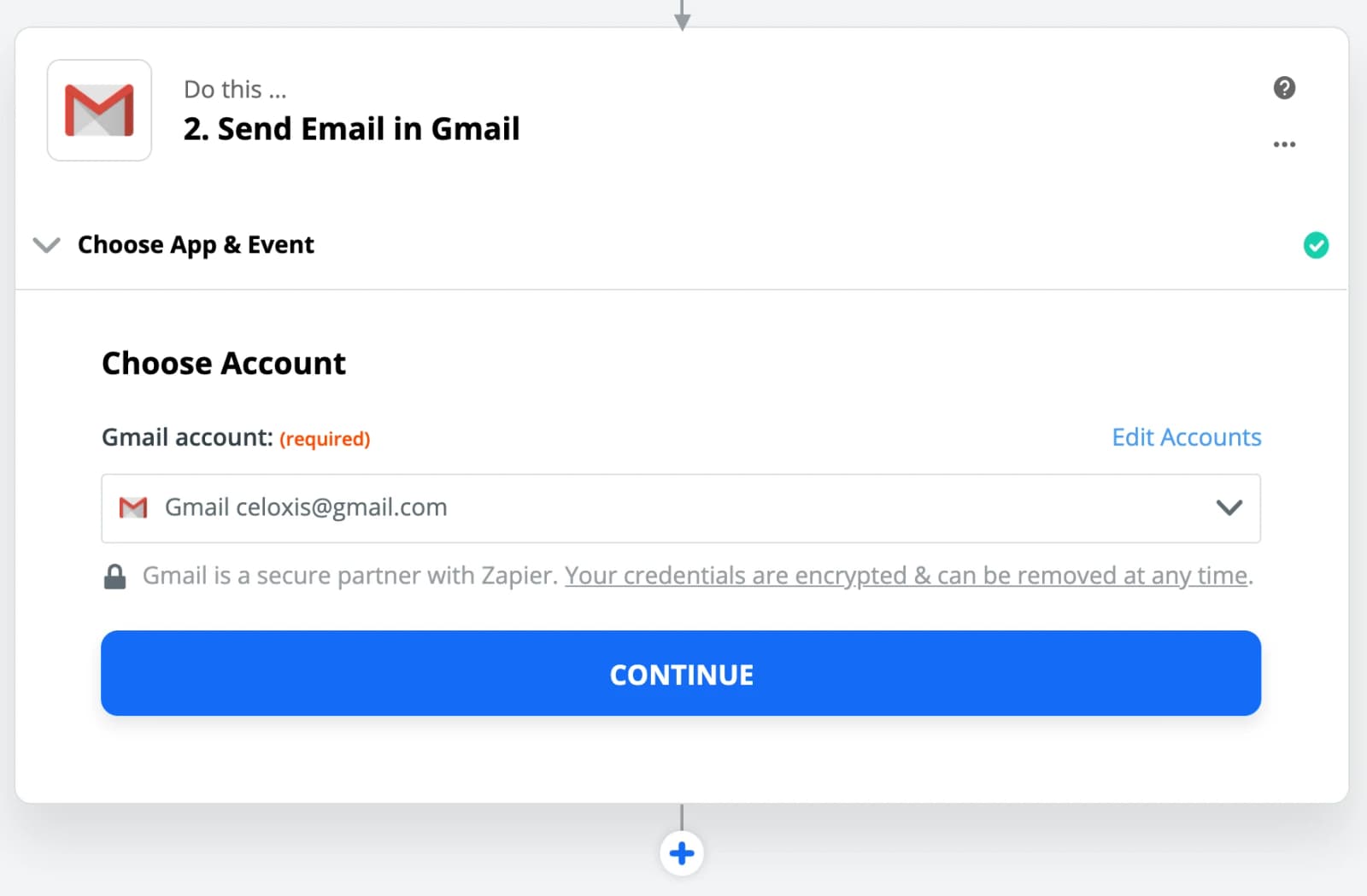
- Add your Gmail account
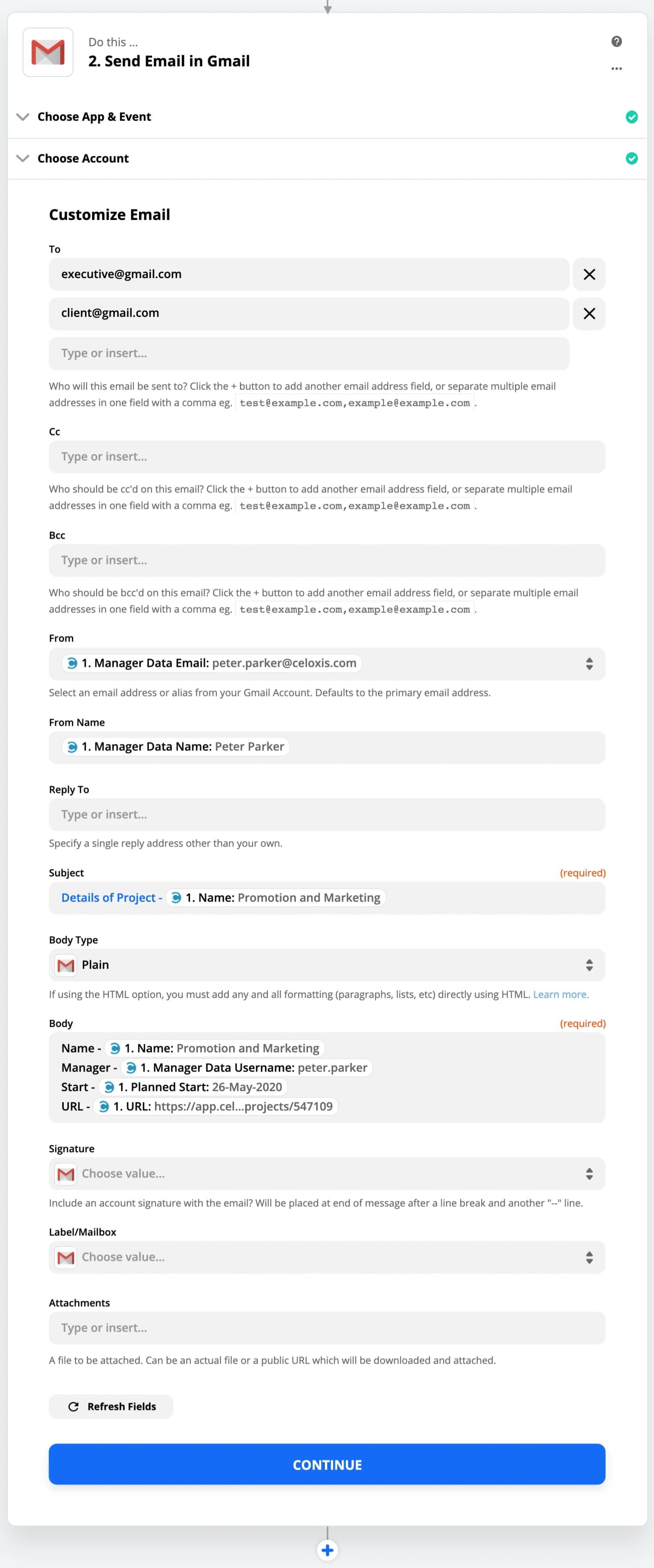
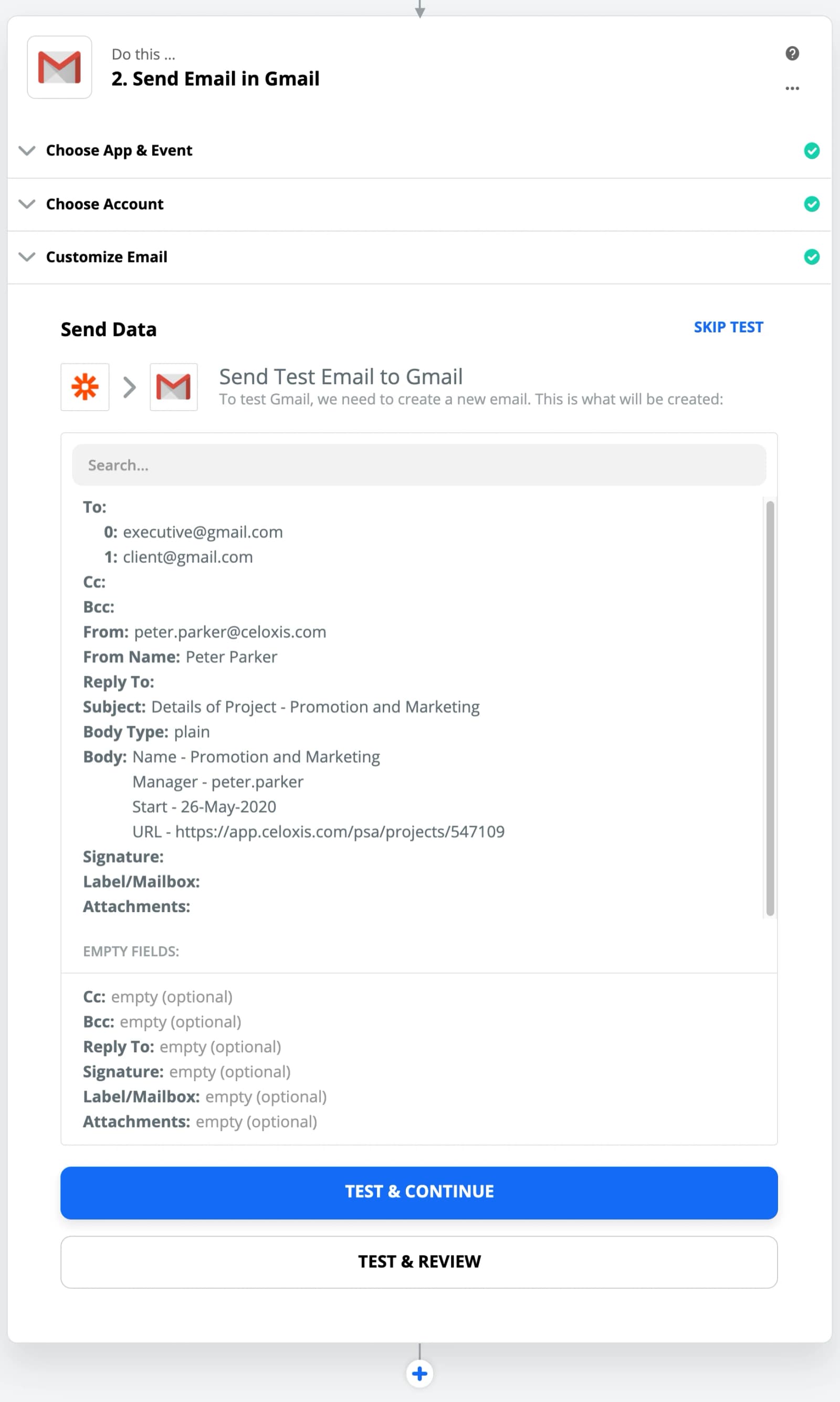
- Customize the Email
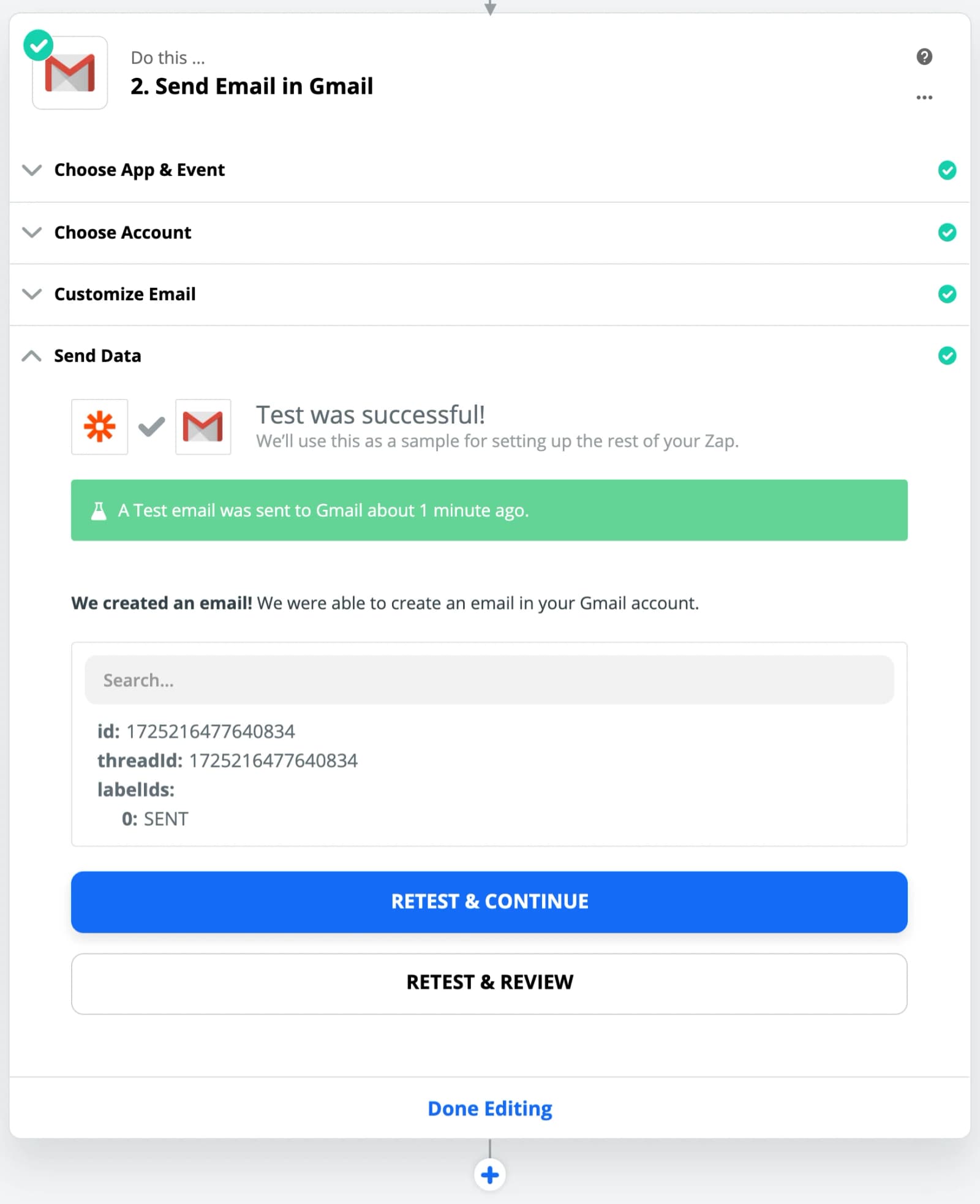
- Test the Action
- Click on Done Editing
- Turn ON the Zap
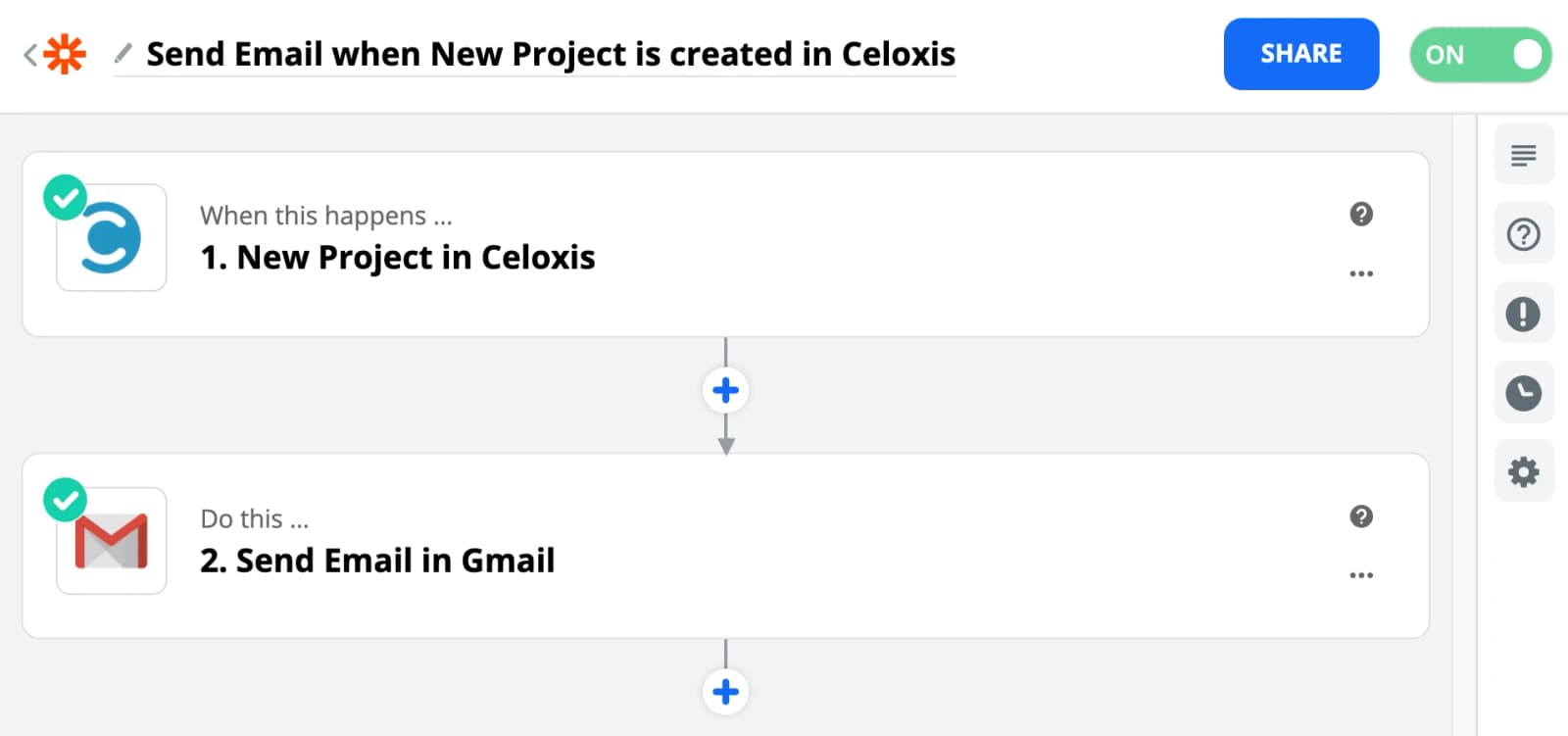
Now when ever a New Project is created in Celoxis then an Email will be sent along with the data of that project.