Invoicing Timesheets
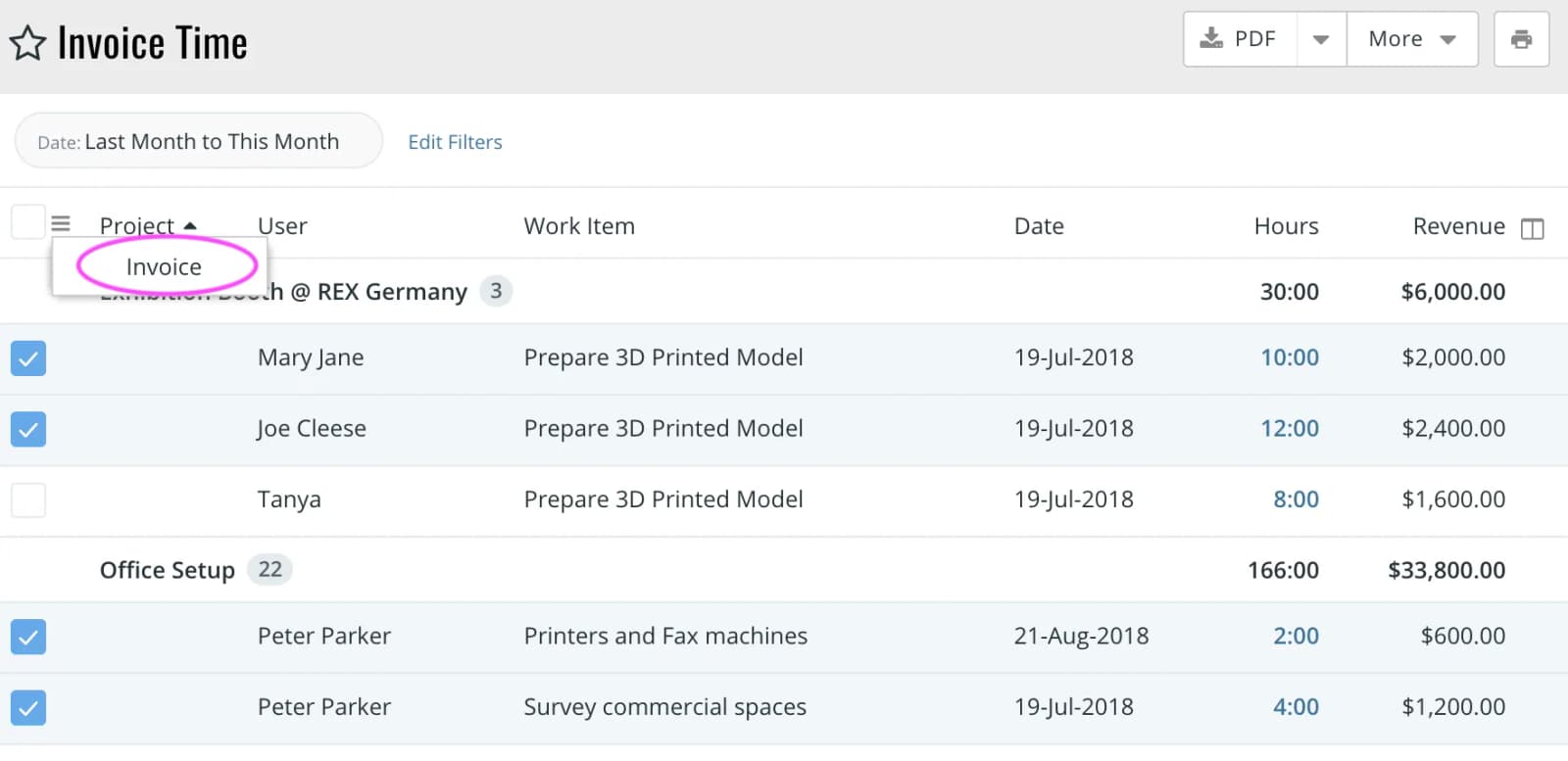
By marking time entries as invoiced, you are indicating that the client has been sent an official invoice from your company. You will need the Time & Expense > InvoiceGranted privilege to mark time as invoiced. To mark time as invoiced, click on Main MenuInvoice Time. This will show a list of all billable time entries that have been approved but not invoiced.