
Approving Expenses
You will need the Time & Expense > ApproveGranted privilege to approve expenses. To approve expenses, click on Main MenuApprove Expenses.
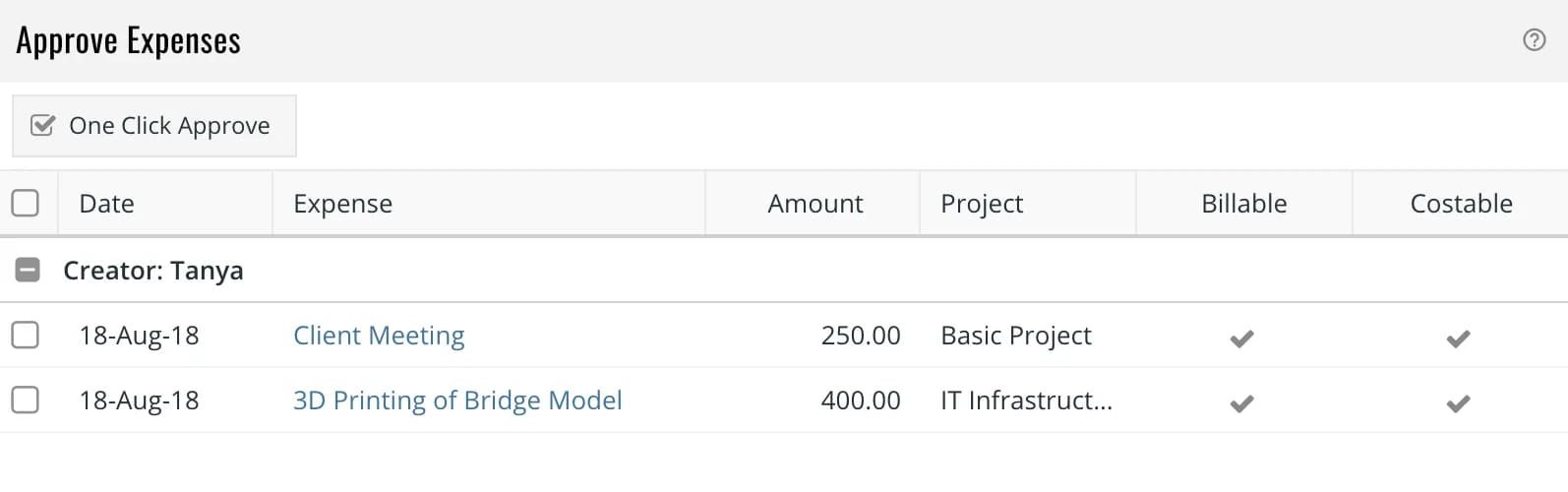
The above example shows two expenses submitted by Tanya. You can click on an expense to approve or reject them individually OR select one or more expenses and click on One Click Approve to approve them in bulk..