Enabling or Disabling Features
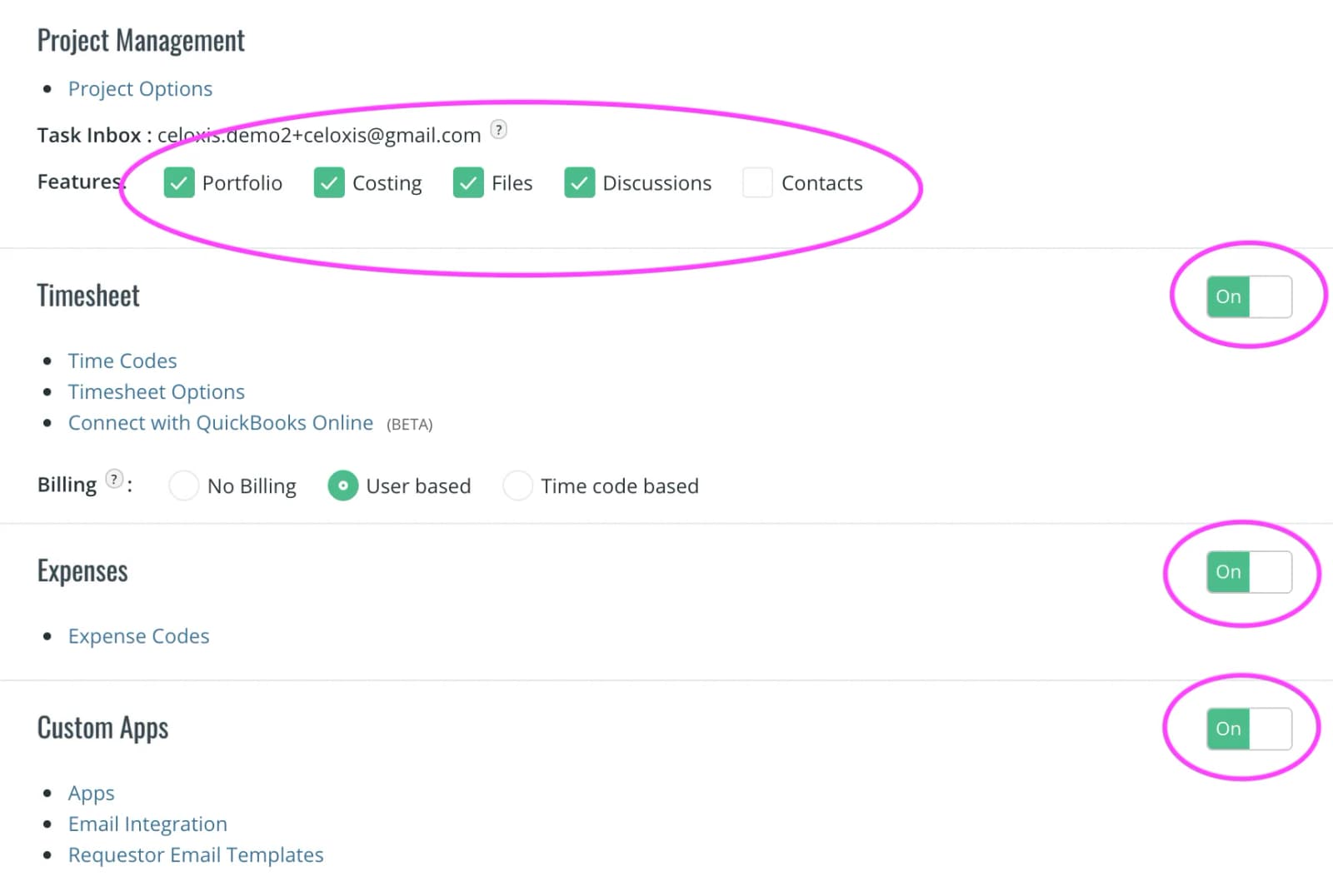
Celoxis gives you the ability to turn some features and capabilities off. Once you turn them off, all fields, actions and menus associated with that module are no longer shown thus simplifying the user interface. You can turn them back on anytime. For example, if you turn off the Expense module, you will see all expense related menus from the main menus, report columns & filters, and task actions disappear.
To enable or disable features, go to the Administration page and turn features on or off as indicated below: