
Configuring Company Settings
The company settings form allows you to configure behaviour and defaults for your users. It also allows for entering your Single Sign-On settings.
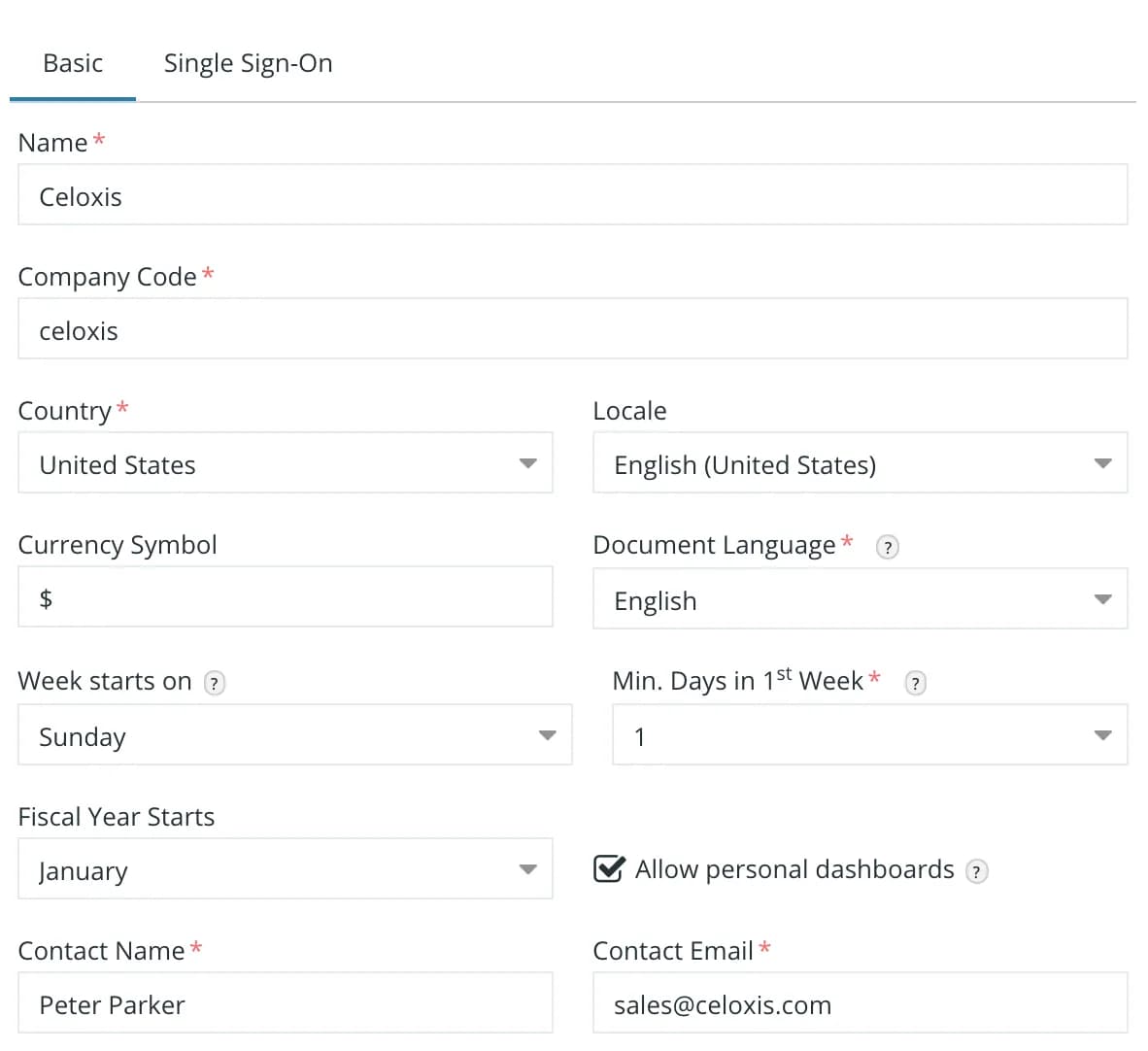
Some of the non-trivial settings are:
- Company Code – A business ID. We recommend that you enter the second level of your domain name here. E.g. acme.com should enter acme here.
- Document Language – Celoxis uses a search engine library that will behave differently when you are mostly going to enter CJK text
- Week Starts On – This determines the first day of the week shown in calendars
- Min Days in 1st Week – This determines whether the week of 1st January lies in the 53rd Week of the previous year or 1st week of the current year.
- Fiscal Year Starts – This determines where a date lies in Q1, Q2, Q3 or Q4.
- Allow Personal Dashboards – This is covered in the chapter on dashboards
Single Sign-On
This topic has been covered in depth in this chapter.