
Agregue un widget de línea de tiempo a la vista general del proyecto
Add an existing Timeline report to a project’s Overview tab so the schedule is visible whenever someone opens the project.
- Make sure a Timeline report already exists — see Create a Timeline Report if needed.
- Select a project and open the Overview tab.
- Click +, search for the Timeline report, and select it.
- Save the layout.
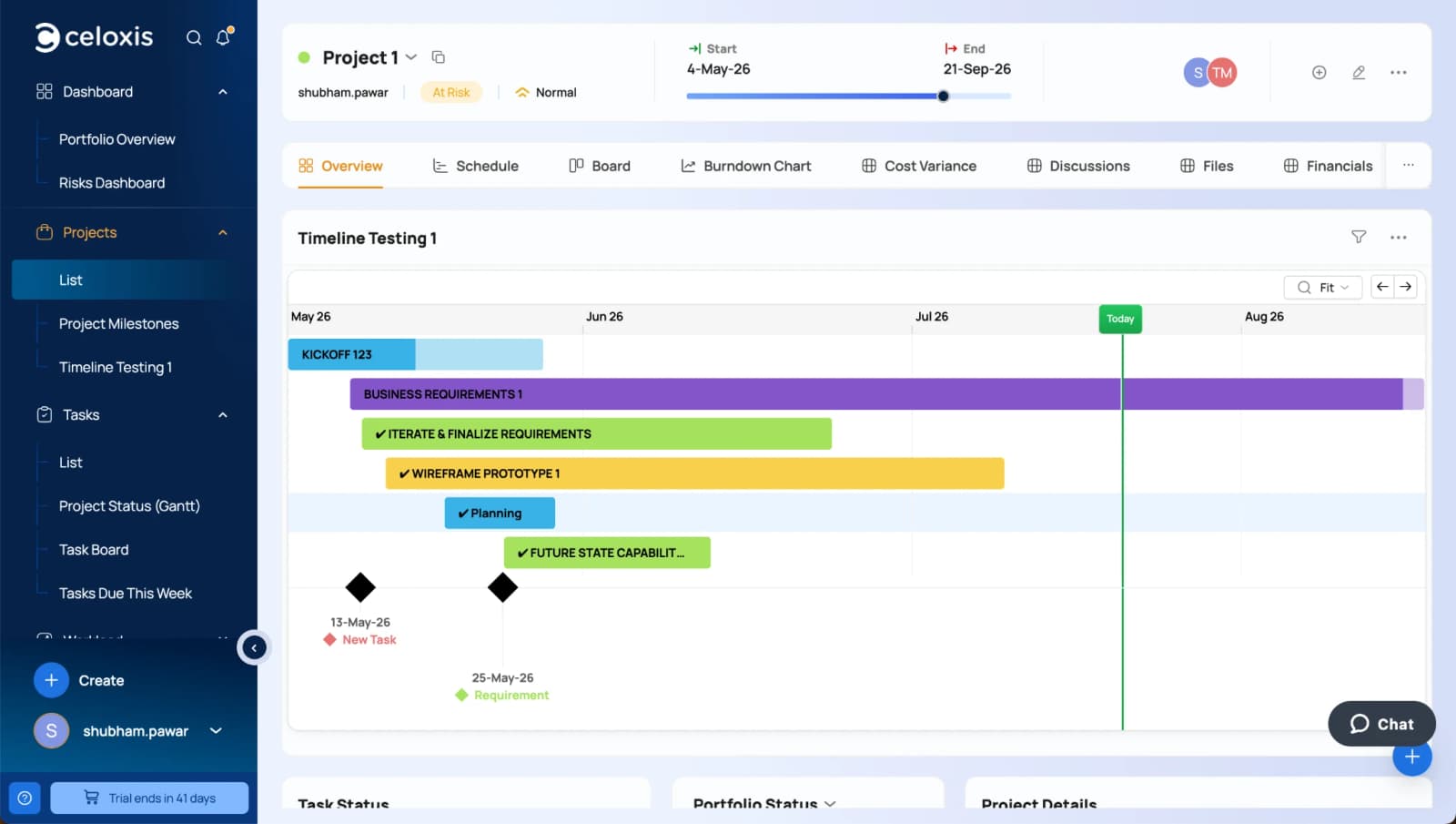
Zoom for this view sits in the project header on the timeline card. Pan buttons (← →) appear there too when the chart is wider than the screen.