
Custom Fields
In the previous chapter, we created the workflow, here we create custom fields for our bug. By default, all workflows have the following fields:
- Name
- Priority
- Assigned To
- Requestor
- Due Date - an optional date indicating when the estimated completion date of this item
- Description
Let's add a few fields to our
:
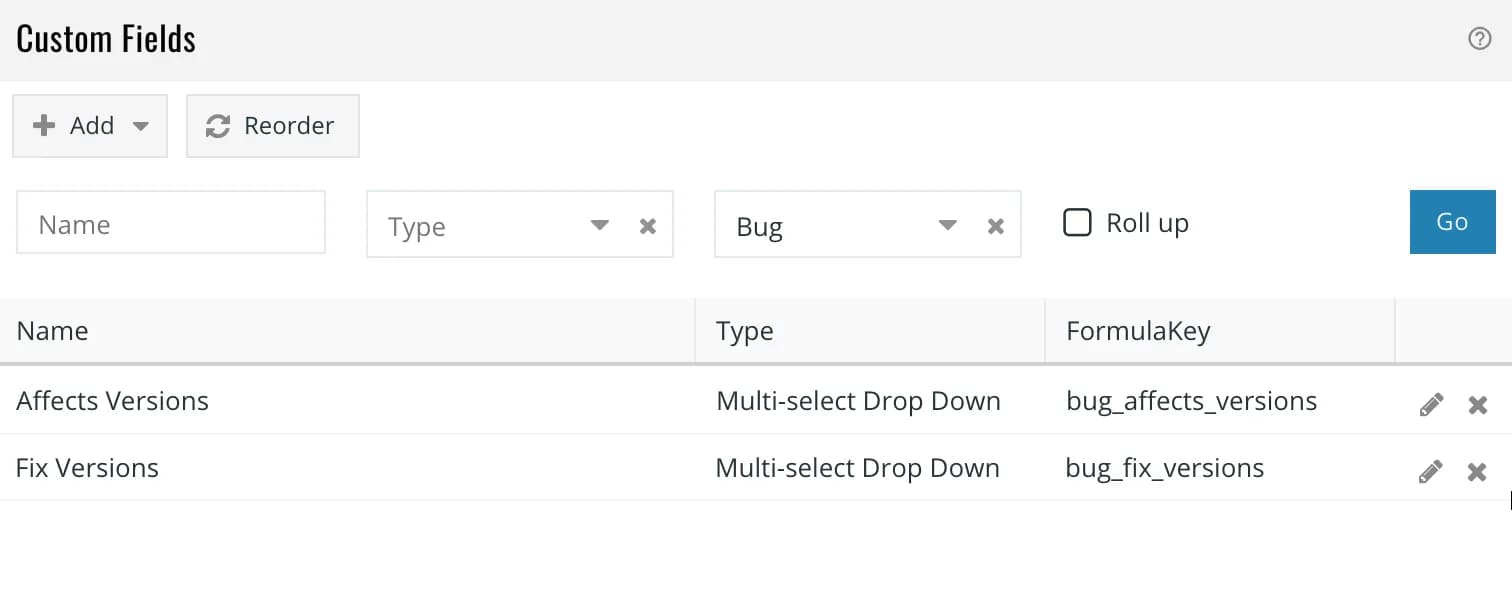
- Affected Versions - a list of all versions affected by this bug
- Fixed Versions - a list of all versions in which this bug fix has been uploaded
Since we want the
field to be available while creating a bug, we attach it our
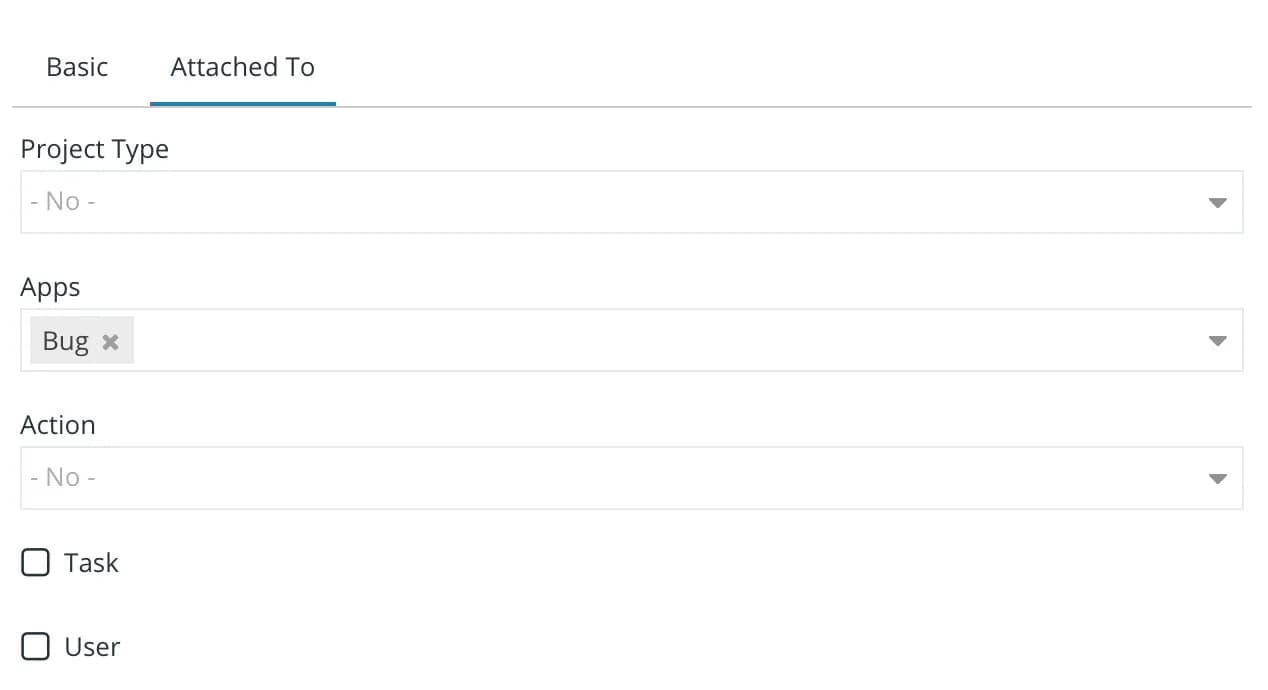
app. Since we want the developer to enter the
field
when he is marking the bugs as fixed i.e. Verified → Fixed and Reopened → Fixed, we attach it to the
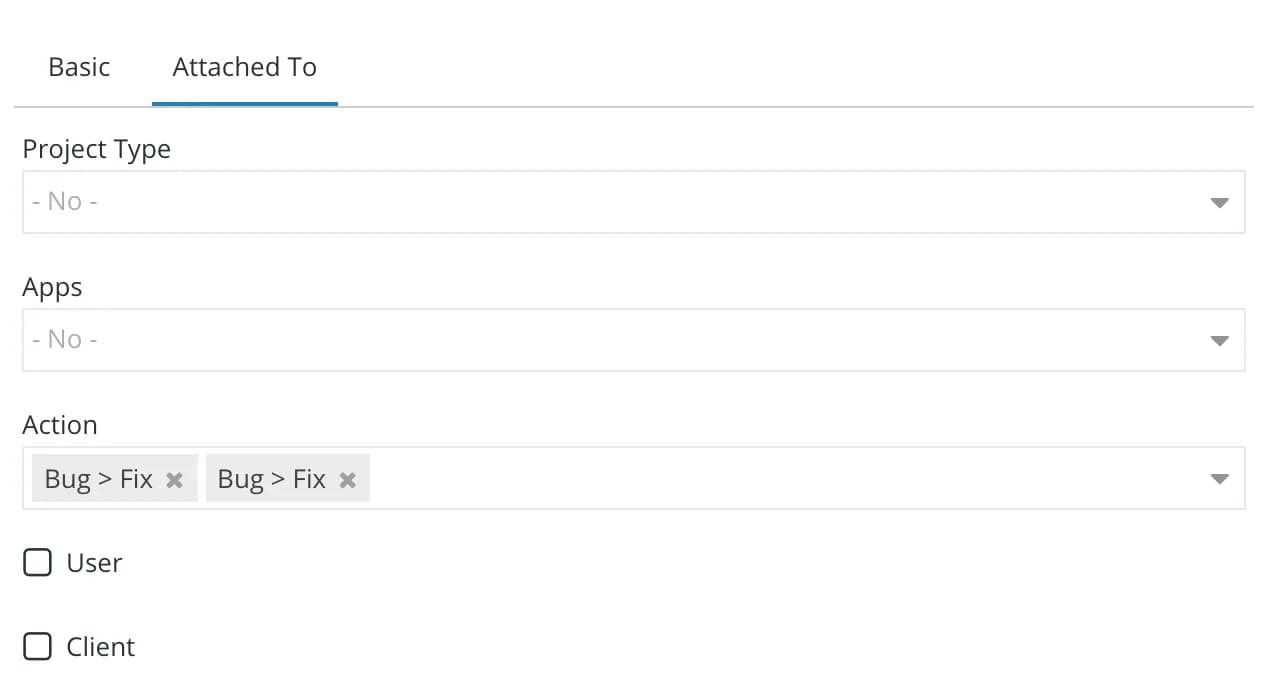
actions as shown below:
What's Next?
We have created our application and also defined custom fields for it. In the next chapter, we will see our bug tracker in action.