
Working with a Proxy Server
You may want to configure Celoxis application behind a reverse proxy server to provide SSL access to Celoxis. Let us assume we want to setup Acme consulting (acme.com) with the following configuration:
- Users should access the Celoxis application using
https://pm.acme.com(which is actually a proxy server) - The proxy server servicing
https://pm.celoxis.comshould proxy requests to the celoxis application.
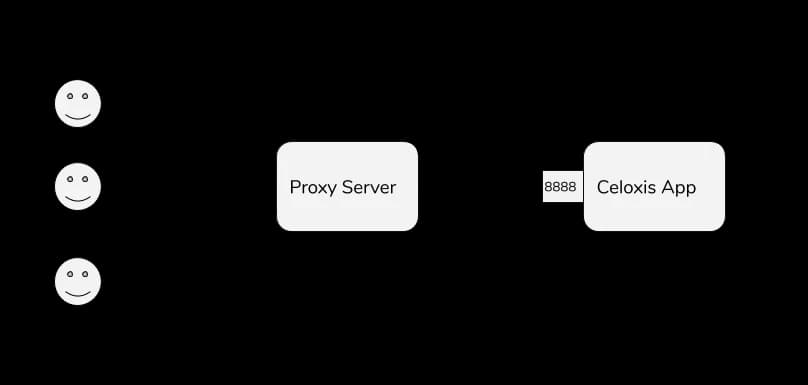
The setup looks like this:
To do this:
- You will configure the proxy server to forward requests to port
8888on the host running the Celoxis application. - Configure the Celoxis application URL to
https://pm.acme.com(see this) - You will also need to run the following SQL on the celoxis database:
insert into db_config (id, vdb_id, name, value) values (95, 0, 'stricthost', 'false') - Restart the Celoxis application